12 Best Sales Automation Tools for Startups in 2026


TL;DR
Sales automation is not a single product. It is a stack that spans prospecting, enrichment, outreach, CRM hygiene, and conversation intelligence. The right tool depends on your current bottleneck, not on which vendor has the best marketing page. This guide breaks down 12 tools by pricing, use case, features, and honest tradeoffs so you can pick the layer that actually moves pipeline, not the one that adds another tab to manage.
Sales Automation Is a Stack, Not a Magic Button
The wrong sales automation tool creates more dashboards, more credits to track, and more logins to manage. The right one removes manual work and builds a better weekly sales motion.
According to Salesforce, 81% of sales teams were either experimenting with or had fully implemented AI. That sounds impressive until you pair it with Gartner’s finding: AI tools save sellers an average of 4.8 hours per week, but 72% of sales organizations fail to reinvest that saved time into high-value activities. Teams adopt automation and then spend the freed-up hours staring at five disconnected tabs instead of having better conversations.
The takeaway is simple. Automation only creates revenue when the saved time goes into better targeting, faster follow-up, or more qualified pipeline. A tool that saves five hours but requires three hours of admin to maintain is a net gain of two hours, not five.
For founder-led startups and lean B2B teams, the real question is not “which tool has the most features?” It is “which bottleneck is actually blocking revenue, and what is the cheapest way to remove it?”
Explore the AI GTM agent approach if you want execution capacity, not just another tool to configure.
Quick Picks
- Best overall for lean startups needing GTM execution: AgentWeb
- Best budget prospecting and sequencing: Apollo.io
- Best CRM-native automation: HubSpot Sales Hub
- Best enrichment and signal workflows: Clay
- Best enterprise engagement: Outreach
- Best rep prioritization: Salesloft
- Best personalized multichannel outreach: Lemlist
- Best affordable multichannel with AI SDR option: Reply.io
- Best cold email infrastructure: Instantly
- Best high-volume cold email sending: Smartlead
- Best simple sales CRM: Pipedrive
- Best call intelligence: Gong
At-a-Glance Comparison Table
Pricing captured from public pages in July 2026. Verify before buying because vendors change plan names, credit limits, and annual discounts frequently.
| Tool | Best for | Starting price | Main automation layer | Key differentiator | Biggest tradeoff |
|---|---|---|---|---|---|
| AgentWeb | Founder-led startups needing GTM execution | $199/month (self-serve); services contact sales | AI + human GTM execution | Emma + senior operators + 90-day plan + weekly shipping | Service pricing not public; not a standalone CRM |
| Apollo.io | Budget prospecting + sequencing | Free; paid from ~$49/user/month annually | Data + outreach | B2B database + sequences + dialer in one | Data quality cleanup can become work |
| HubSpot Sales Hub | CRM-native sales automation | Free (2 users); Starter $7/seat/month | CRM + workflows | CRM, sequences, pipeline, AI credits in one platform | Cost rises with hubs, seats, and onboarding fees |
| Clay | Signal-based enrichment | Free; Launch ~$167-185/month | Enrichment + orchestration | 150+ data providers, waterfall enrichment, Claygent | Requires a workflow owner |
| Outreach | Enterprise sales engagement | Quote-only | Enterprise engagement + forecasting | Governance, buyer sentiment, forecasting | Expensive and heavy for small teams |
| Salesloft | Enterprise cadences, rep prioritization | Quote-only | Sales engagement + prioritization | Rhythm prioritizes seller actions | Complex; data needs a separate source |
| Lemlist | Personalized multichannel outreach | Email from $69/month; Multichannel $109/user/month | Email + LinkedIn + calls | Personalization, warmup, multichannel sequences | Gets expensive at scale |
| Reply.io | Affordable multichannel + AI SDR | Email Volume from $59/month; AI SDR from $500/month | Outreach + AI SDR | Unlimited users/mailboxes on some plans | UI and reporting lag newer tools |
| Instantly | Cold email infrastructure + warmup | Growth $47/month | Cold email infrastructure | Unlimited email accounts and warmup | Not a CRM or data system |
| Smartlead | High-volume cold email | Base $39/month | Cold email sending + deliverability | Unlimited email accounts, high-send plans | UI complexity; not a strategy layer |
| Pipedrive | Simple pipeline CRM | Lite $14/seat/month annually | CRM + pipeline automation | Easy pipeline, sequences, add-ons | Outreach features less specialized |
| Gong | Conversation intelligence | Quote-only | Call intelligence + coaching | Call recording, deal insights, coaching | Expensive; not for prospecting |
What Sales Automation Actually Includes
Most listicles treat sales automation tools as interchangeable. They are not. Each tool automates a different part of the workflow, and confusing categories leads to buying the wrong thing. Here are the layers:
Data and prospecting. Finding accounts and contacts that match your ICP. Tools: Apollo, ZoomInfo. Risk: data accuracy, credit costs.
Enrichment and orchestration. Researching accounts, tracking signals like job changes or funding, running waterfall enrichment across providers. Tools: Clay. Risk: requires an operator to build and maintain workflows.
Sales engagement. Running cadences across email, phone, LinkedIn, and SMS. Tools: Outreach, Salesloft, Lemlist, Reply. Risk: deliverability, complexity, contract cost.
CRM automation. Managing pipeline, tasks, deal stages, follow-ups, and reporting. Tools: HubSpot, Pipedrive. Risk: becomes admin-heavy without process discipline.
Cold email infrastructure. Managing mailboxes, warmup, inbox rotation, and sending scale. Tools: Instantly, Smartlead. Risk: makes it easy to scale bad messaging.
Conversation intelligence. Recording calls, generating summaries, surfacing coaching insights and deal risk. Tools: Gong. Risk: expensive, only helps after conversations happen.
GTM execution. Strategy, campaigns, content, outbound, iteration, and weekly operating rhythm. Tools: AgentWeb. Risk: less DIY control, requires trusting an operator model.
Understanding these layers is essential before comparing tools. For a deeper look at how B2B teams structure their outbound sales strategies, the differences between these layers become even clearer in practice.
The 12 Best Sales Automation Tools
1. AgentWeb
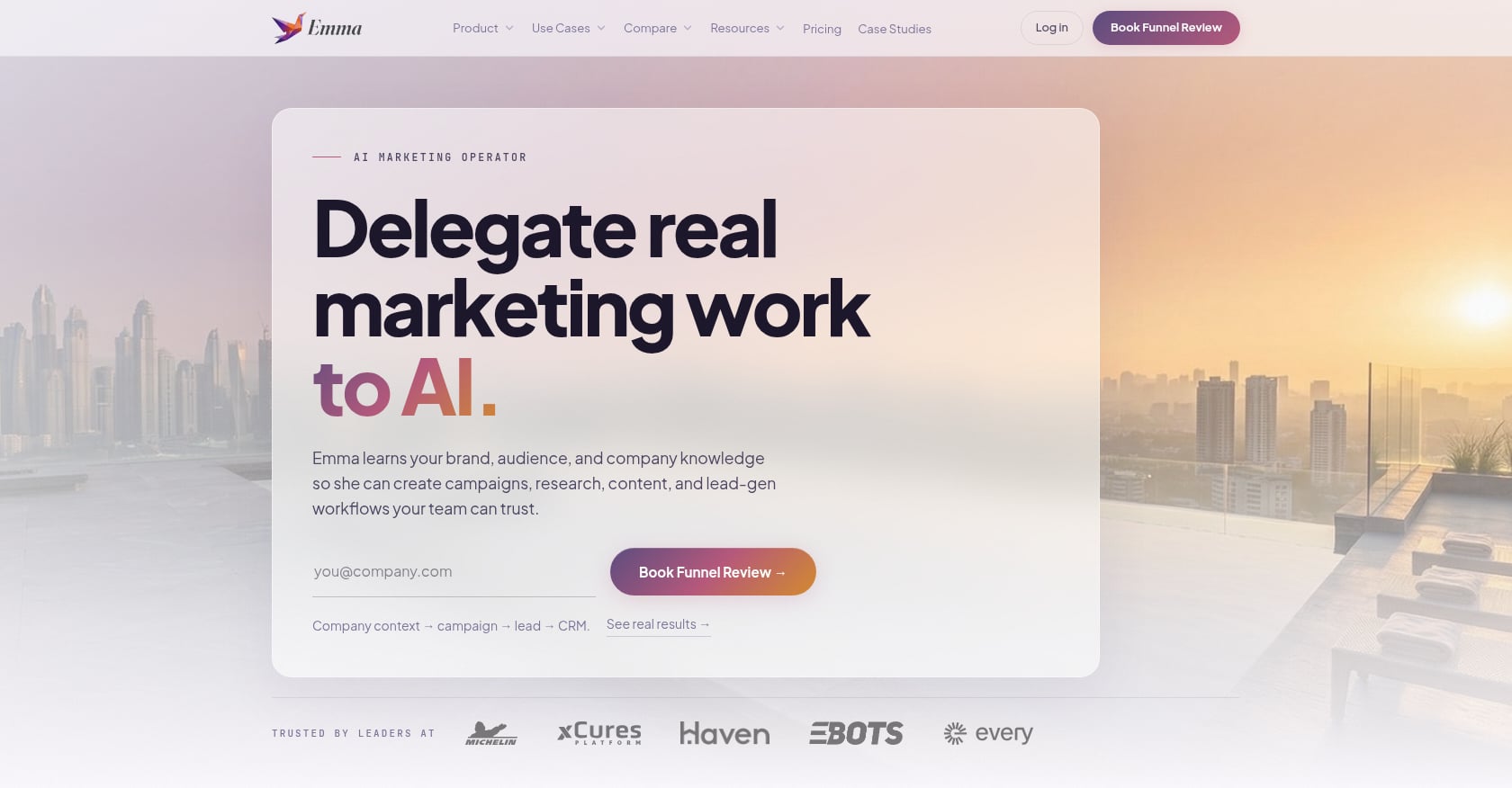
Best for: Founder-led startups that need GTM execution, not another tool to manage.
Pricing:
- Self-serve platform: 7-day free trial, then $199/month
- Custom workflows and done-for-you services: seasonal pricing, contact founders@agentweb.pro
- Full-service includes a free GTM audit and diagnostic session before campaigns launch
Key features:
- Emma, an agentic AI marketer, executes across Meta, Google, LinkedIn/X, email, and outbound
- Week-0 diagnostic and 90-day GTM plan
- Slack and Teams approval workflows for fast creative review
- AgentWeb Portal with calendar, dashboards, and optimization loops
- Founder-brand support including LinkedIn ghostwriting and exec comms
- Weekly performance reviews and iteration
- Integrations with existing CRM and ad platforms
- Path from full-service to self-serve after the system is proven
Three models: DIY self-serve with prebuilt templates and workflows. Custom AI-led co-pilot where the agent builds the marketing engine and the client oversees. Done-for-you where AgentWeb’s team acts as the growth department.
Proof: For Nailed It, AgentWeb generated 4,000+ leads and 328 add-to-carts in 3 months with a 2.91% CTR at roughly $0.24 CPC. For Cora, the team hit a 13.19% CTR peak on a $300/month ad budget with 435+ qualified clicks in one month.
Tradeoffs:
- Full-service pricing is not listed publicly
- Not a standalone CRM
- Best experience assumes teams use Slack or Teams and engage weekly
Choose this if: Your bottleneck is not “we lack a sequencer” but “nobody owns GTM execution every week.” AgentWeb is the better starting point when the alternative is stitching Apollo, Clay, Instantly, and HubSpot together without someone to run the system.
Skip this if: You only need a CRM, you already have a mature SDR org with RevOps, or you need fully public service pricing before any conversation.
2. Apollo.io
Best for: Solo founders or small SDR teams that need one affordable platform for prospect data and basic outreach sequences.
Pricing:
- Free plan available
- Basic: ~$49/user/month annually ($59 monthly)
- Professional: ~$79/user/month annually ($99 monthly)
- Organization: ~$119/user/month annually
- 14-day free trial on Basic or Professional tiers
- Credits used for verified emails, phone numbers, enrichment, and AI research
Key features:
- B2B contact and company database (reported as 210+ million contacts and 35+ million companies)
- Prospect search with filters
- Email sequencing
- Dialer on higher plans
- CRM integrations
- Chrome extension
Tradeoffs:
- Data quality can be inconsistent, requiring manual cleanup and verification
- Credit system makes true cost harder to predict
- Advanced workflows may still need Clay, HubSpot, Zapier, or n8n
Practitioners on Reddit consistently call Apollo hard to beat on price for an all-in-one, but the tradeoff is average data and manual cleanup. One user noted that teams often end up stitching HubSpot, a data source, and a separate sequencing layer together anyway. Another Reddit thread on AI outbound tools warned that Apollo’s database can be 12 to 18 months old.
Choose this if: You are testing outbound before investing in enterprise tools and need one place to find prospects and run basic sequences.
Skip this if: You need deep enterprise data, advanced enrichment workflows, or someone to run your GTM strategy.
3. HubSpot Sales Hub
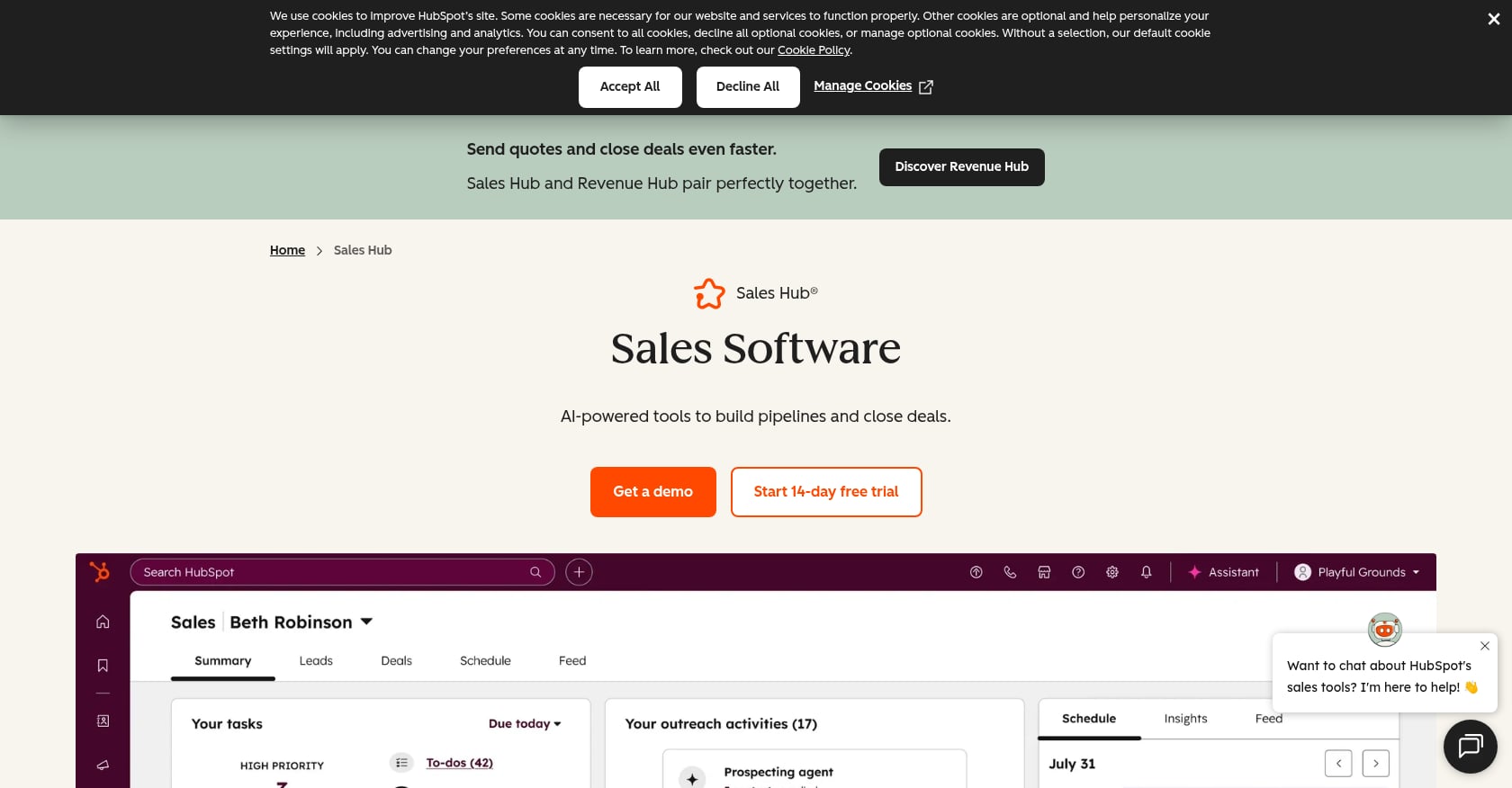
Best for: Teams that want CRM, sales automation, and marketing tools under one customer platform.
Pricing:
- Free: $0/month for up to 2 users
- Starter: $7/seat/month (annual billing)
- Professional: $90/seat/month (annual), with a required $1,500 one-time onboarding fee
- Enterprise: $150/seat/month, with a required $3,500 onboarding fee
- HubSpot Credits included per tier (500 Starter, 3,000 Professional, 5,000 Enterprise)
Key features:
- CRM with contacts, deals, pipeline, and tasks
- Sales automation tied to deal stages
- Sequences on Professional and Enterprise
- Lead scoring on higher tiers
- Breeze AI for drafting emails, summarizing records, generating reports, and automating prospect research
- Meeting scheduling and call recording
Tradeoffs:
- Costs rise quickly with added seats, hubs, and AI usage
- Professional onboarding fee is mandatory
- Outbound-heavy teams still need data and deliverability tools alongside HubSpot
Reddit discussions around HubSpot pricing show concern that minimum spend requirements can push smaller teams toward Professional tiers faster than expected. One user recommended auditing who truly needs paid seats before accepting a jump in plan.
Choose this if: You want pipeline visibility, deal automation, sequences, and reporting in one system, and you plan to add marketing automation later.
Skip this if: You need a lean outbound-first tool without onboarding fees, or your team lacks the process discipline to keep the CRM clean. For managing pipeline automation effectively, the CRM is only as useful as the operating rhythm behind it.
4. Clay
Best for: GTM engineers, RevOps teams, and operators who want programmable enrichment and signal-based workflows.
Pricing:
- Free: 500 actions/month, 100 data credits, unlimited seats
- Launch: ~$167-185/month (pricing display varies)
- Growth: ~$446-495/month
- Enterprise: custom annual pricing
- Data Credits (third-party data, starting at $0.05 each) are separate from Actions (platform work, starting under $0.01)
- Unused Data Credits can roll over up to limits on Launch and Growth
Key features:
- 150+ data providers
- Multi-provider waterfall enrichment
- Claygent AI research agent
- Signals: job changes, promotions, new hires, company news, web intent
- CRM enrichment and sync on higher plans
- API and webhook orchestration on Growth+
- Native or integrated campaign launching
Tradeoffs:
- Requires someone to design, test, and maintain workflows
- Pricing hard to forecast because credits and actions are separate counters
- Not a full sales engagement platform or CRM replacement
Practitioners on Reddit describe Clay as powerful but complex. One user in a sales automation tools discussion outlined a stack of Apollo for lead gen, Clay for qualifying, Lemlist for sequences, n8n for complex automation, and HubSpot for CRM, then warned that the whole stack can “implode” when APIs or pricing change.
Choose this if: You know exactly what data workflow you want and have someone to build and maintain it.
Skip this if: You need execution, not another system to build. Clay is a GTM workbench, not a campaign engine.
5. Outreach
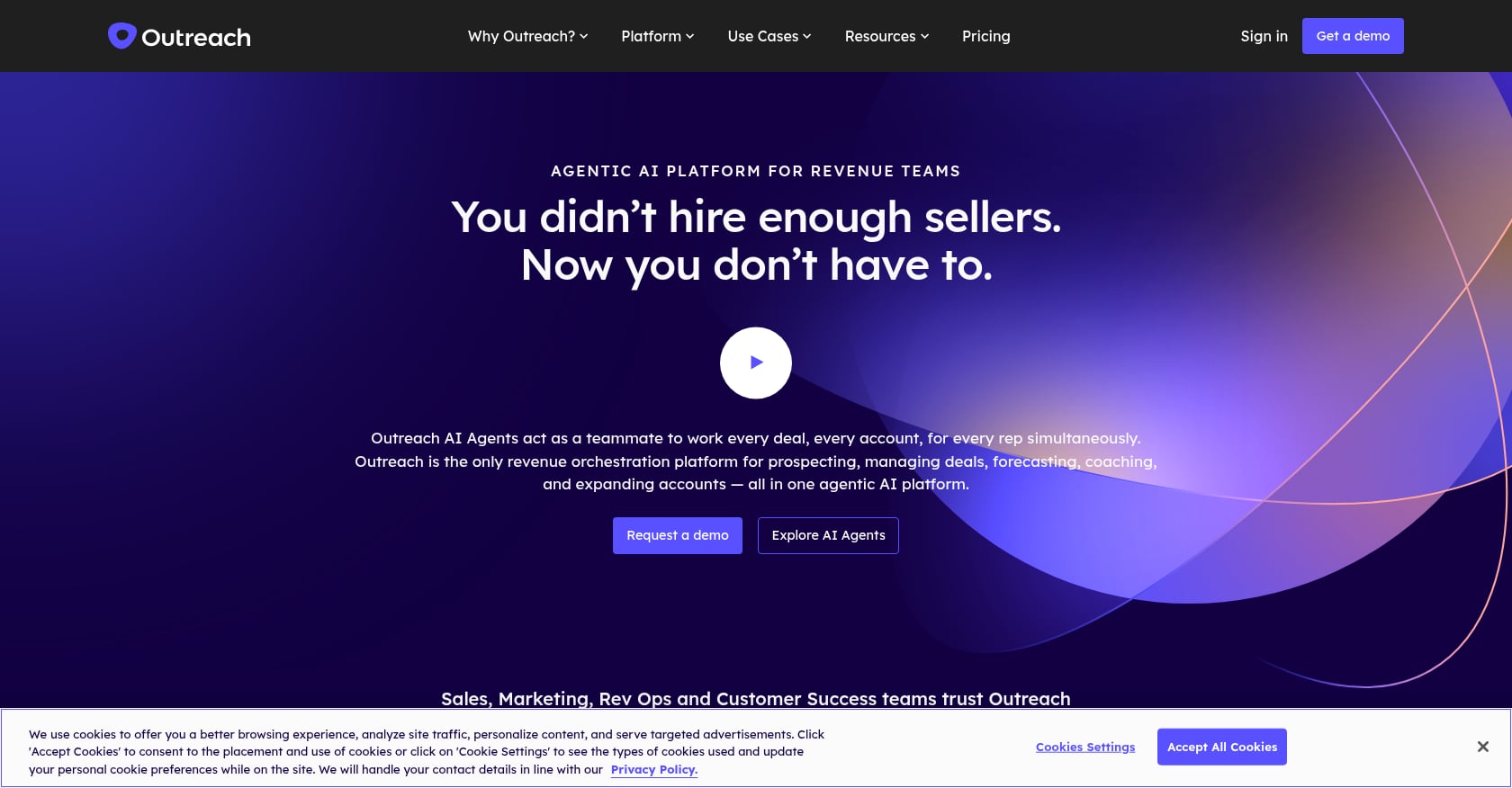
Best for: Mid-market and enterprise sales teams with a RevOps function and enough reps to justify process enforcement.
Pricing:
- Quote-only
- Flexible model combining seat-based platform access with consumption-based AI workflow pricing
Key features:
- Multichannel engagement and sequences
- Machine-learning-driven A/B testing
- Buyer sentiment analysis
- Sequence insights and sales execution reporting
- AI-powered forecasting and pipeline insights
- Chrome and Gmail integration via Outreach Everywhere
Tradeoffs:
- Quote-only pricing with no public entry point
- Implementation and governance burden
- Often needs a separate data provider and deliverability stack
- Too heavy for most founder-led startups
In a Reddit comparison thread, users described Outreach as powerful but expensive, noting that base pricing often excludes data, deliverability, and AI agent costs. Another user complained about long contracts and roughly $100/seat pricing.
Choose this if: You have a mature sales process, enough reps to justify governance, and need forecasting tied to sequence execution.
Skip this if: You are under 10 sellers, still testing messaging, or lack a RevOps owner. Enterprise sales engagement is usually not the first move for lean teams.
6. Salesloft
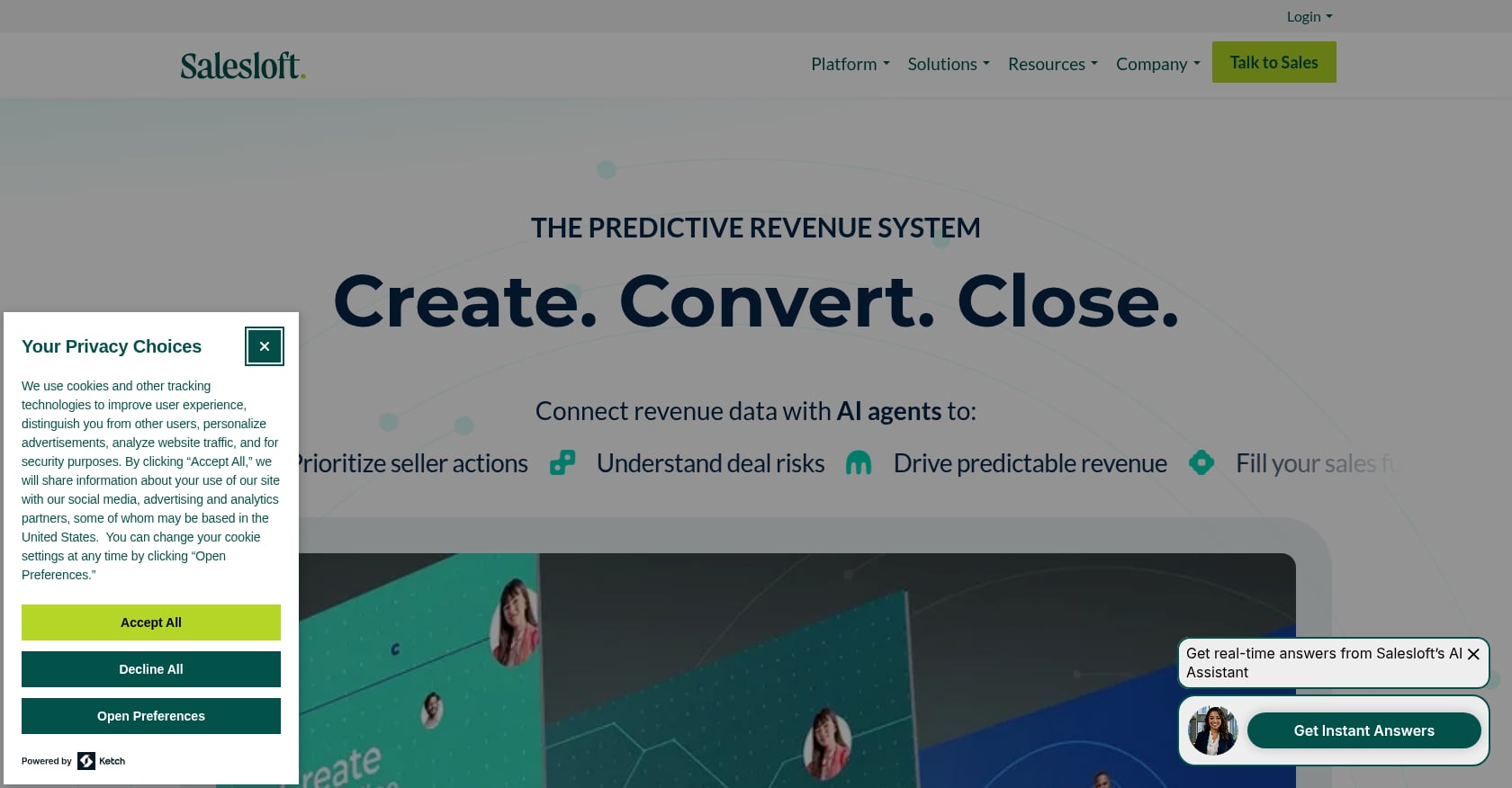
Best for: Established sales teams standardized on Salesforce that need cadence governance and AI-driven task prioritization.
Pricing:
- Quote-only, contact Salesloft for pricing
Key features:
- Rhythm: AI that unifies buying signals and prioritizes seller actions
- Generative AI for drafting and personalizing outreach
- A/B testing
- CRM logging
- Browser and mobile access
Tradeoffs:
- Not a data source; contacts need a separate provider
- Can be complex and “too large and convoluted” for smaller teams, as one industry analysis put it
- Teams pay for the platform and a separate data source, which compounds cost
Reddit users in a Salesloft review thread mentioned that reps still could not fully trust the contacts they were working, even after paying both platform and data costs. The general sentiment: useful for workflow governance, but not a magic outbound machine.
Choose this if: You already know your ICP, channels, and playbook, and need a system to enforce consistency across a team.
Skip this if: You are still testing your go-to-market and do not have clean CRM data or an admin to own the platform. For a perspective on whether AI SDR tools or agency models better fit early-stage teams, see this AI SDR vs SDR agency comparison.
7. Lemlist
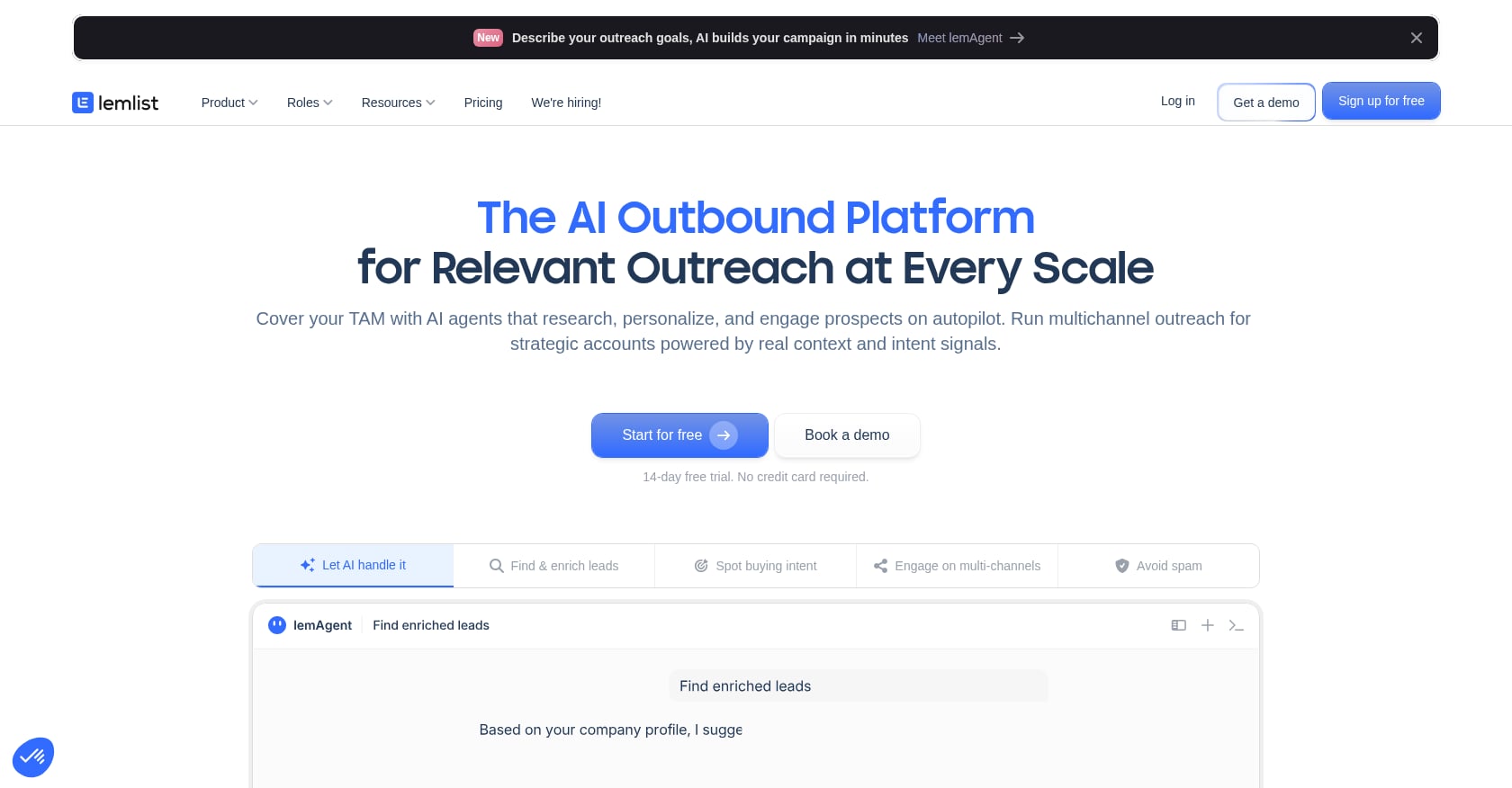
Best for: Teams that care more about message personalization than raw sending volume, running cold email plus LinkedIn sequences.
Pricing:
- Email plan: $69/month (50,000 emails), $89/month (100,000 emails), scaling up to $659/month (1,000,000 emails)
- Annual billing saves roughly 20%
- Multichannel Expert: $109/user/month
- Enterprise: annual billing, 5-seat minimum
- 14-day free trial on Multichannel
Key features:
- Email outreach with warmup included
- LinkedIn actions and prospecting on multichannel plan
- Calls, WhatsApp, SMS
- Unified inbox
- Deliverability setup and inbox monitoring
- AI lead sourcing, research, and personalization
Tradeoffs:
- Per-user pricing gets expensive at scale
- Database and email finder may not replace a dedicated data tool
- Managing many sender accounts can create deliverability headaches
Reddit sentiment is split. Users praise Lemlist’s polished UI and image personalization but complain that the email finder is not a strong enough reason to buy on its own. Per-user costs concern teams adding multiple reps.
Choose this if: You want multichannel outreach with strong personalization without paying for Outreach or Salesloft.
Skip this if: Your priority is massive sending volume or enterprise governance. Before scaling any outreach, it helps to know how to write outbound emails that get replies.
8. Reply.io
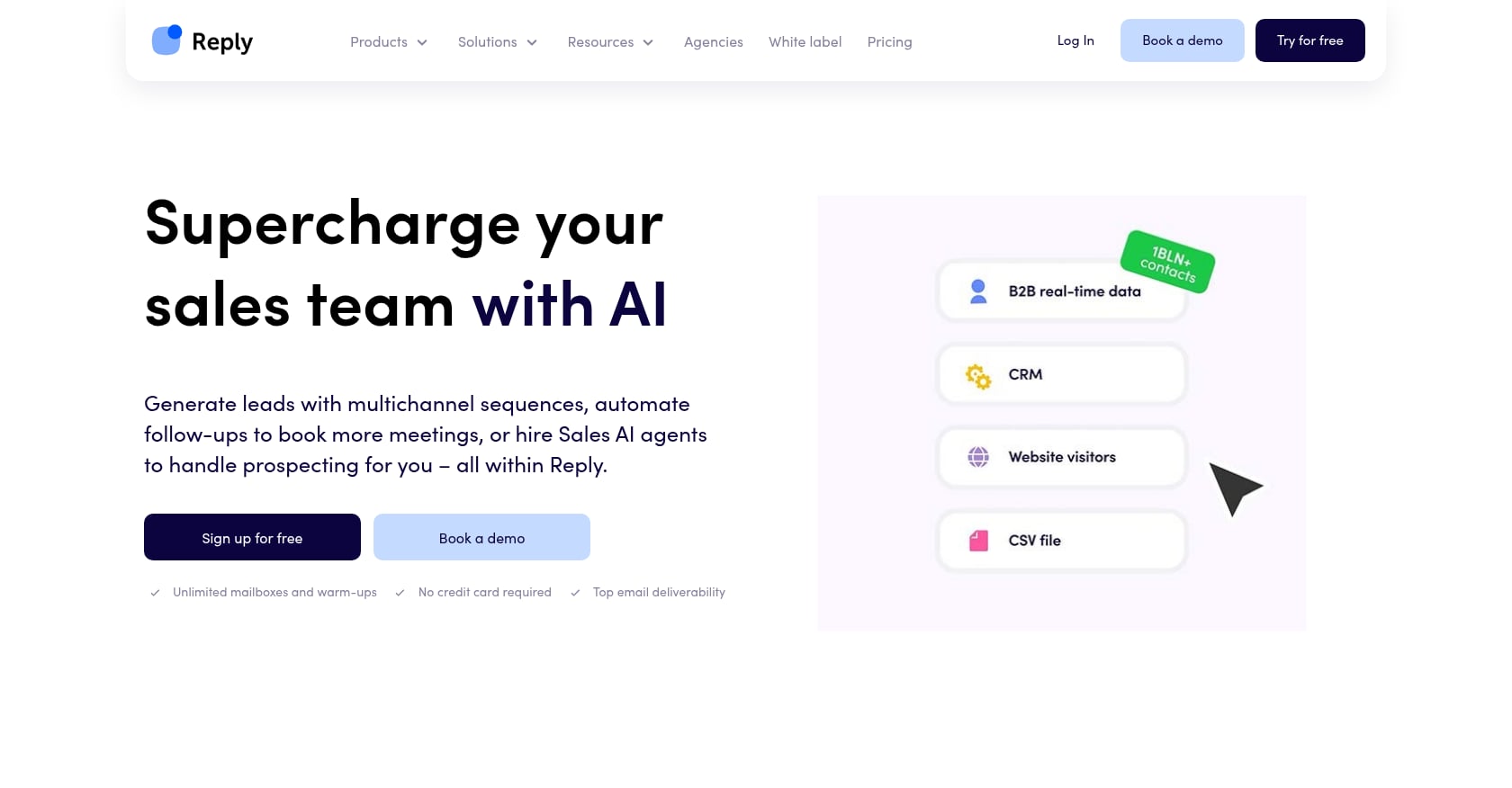
Best for: Small sales teams wanting affordable multichannel outreach with an optional AI SDR experiment.
Pricing:
- Email Volume: from $59/month (monthly) or $49/month (annual)
- Multichannel: from $99/month
- AI SDR: from $500/month
- Agency: from $166/month
Key features:
- Multichannel automation across email, LinkedIn, calls
- Unlimited mailboxes (subject to fair usage) on relevant plans
- Unlimited contacts storage
- Centralized inbox and reporting
- AI email assistant
- HubSpot and Salesforce integrations
- Live data add-ons
Tradeoffs:
- Some users report the UI feels dated and sequences occasionally break
- Analytics and native integrations are not as deep as larger platforms
- Still requires ICP definition, data quality, and deliverability management
One Reddit user called Reply the “underdog,” saying it was more affordable and surprisingly powerful for multichannel sequences with decent AI personalization. A long-time user in another thread acknowledged decent deliverability but said pricing had gone up while the analytics remained basic.
Choose this if: You want more than email but do not need Outreach-level governance, and want to test AI SDR functionality at a lower entry point.
Skip this if: You need deep reporting, advanced forecasting, or a polished modern UI.
9. Instantly
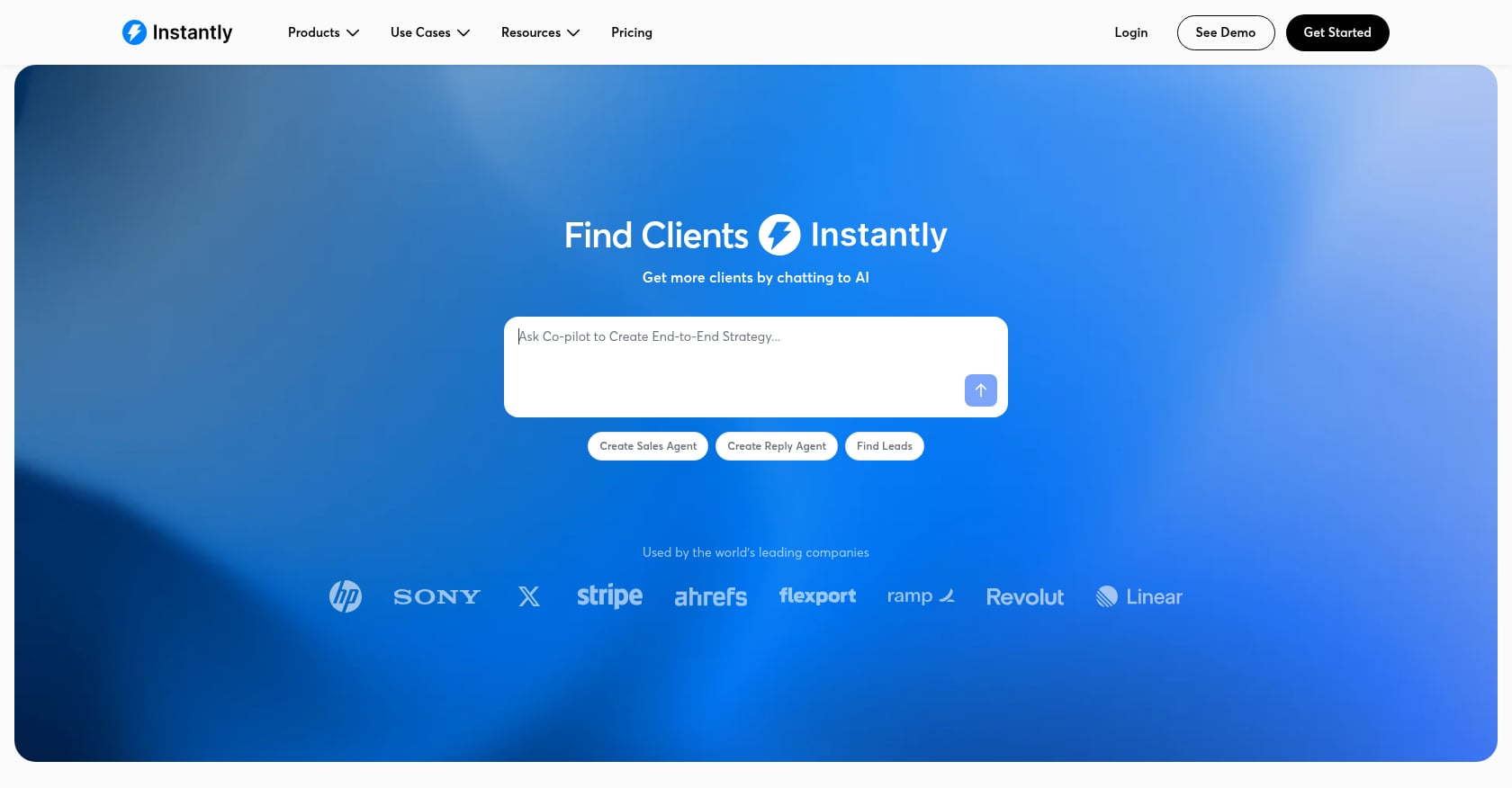
Best for: Cold email operators who prioritize inbox rotation, sending volume, warmup, and deliverability control.
Pricing:
- Growth: $47/month (1,000 uploaded contacts, 5,000 monthly emails)
- Hyper Growth: $97/month (25,000 contacts, 125,000 emails)
- Light Speed: $358/month (100,000 contacts, 500,000 emails)
- Email Outreach add-on: $87/month for extra contacts and email volume
- Unlimited email account connection and warmup
Key features:
- Email outreach campaigns
- Unlimited email accounts and warmup per plan
- Uploaded contact and email volume limits by tier
- Volume add-ons
Tradeoffs:
- Not a CRM, data system, or strategy layer
- Does not solve prospect data, offer, or message quality
- Teams needing 100k+ emails per month face a jump to $358/month
A Reddit user who tested both Instantly and Smartlead for six months reported better inbox placement with Instantly in their seed tests on the same copy and domains. The consensus across Reddit: Instantly is solid infrastructure, but it will not fix weak messaging or bad lists. For a broader look at cold outreach strategies for B2B startups, the strategy behind the sending matters more than the tool.
Choose this if: You already have clean data, working messaging, and a CRM, and need infrastructure to scale sending.
Skip this if: Your ICP and message are unproven. Instantly only helps you send bad emails faster.
10. Smartlead
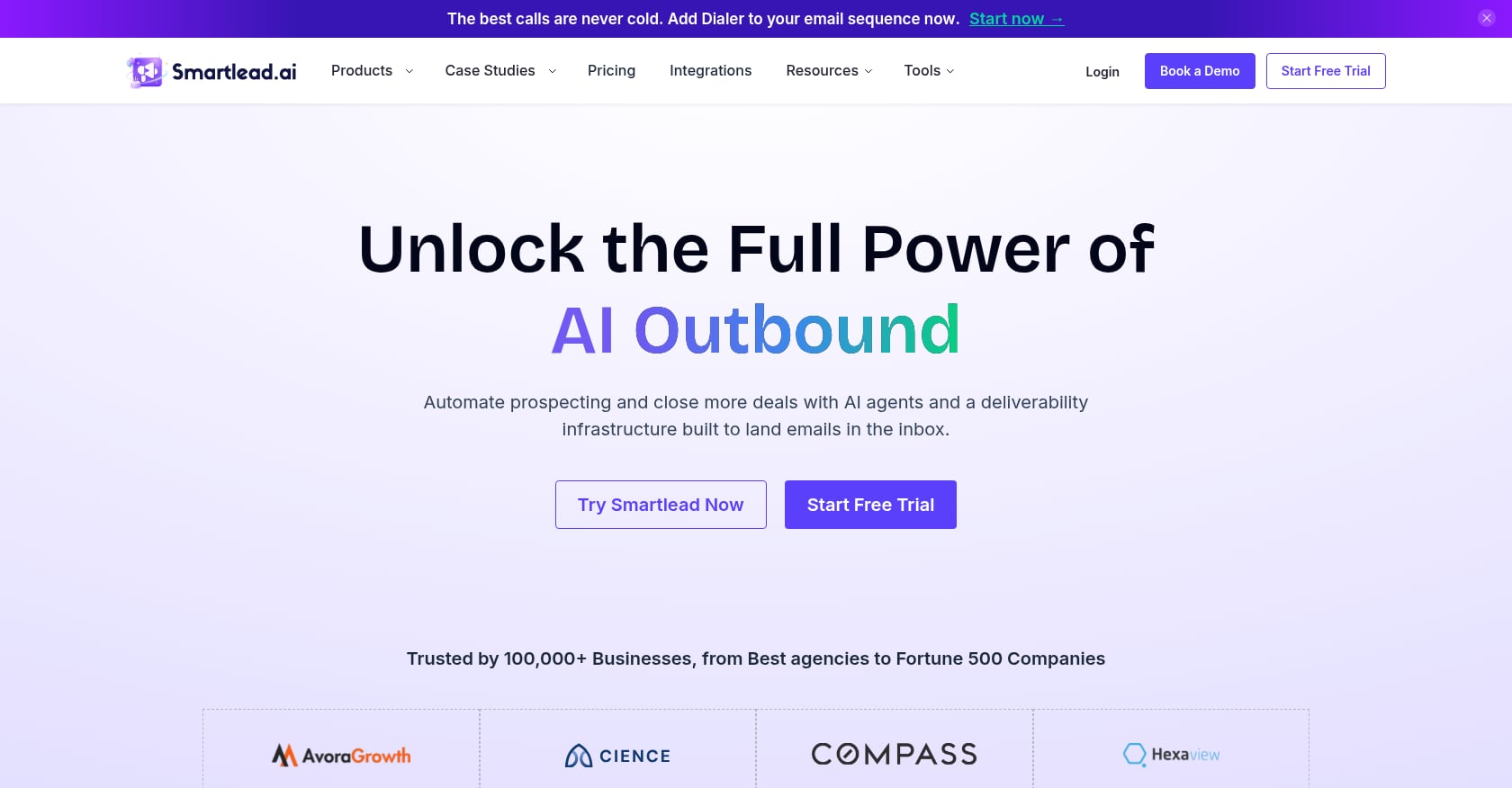
Best for: Agencies and outbound operators running multiple domains and mailboxes who want granular deliverability control.
Pricing:
- Base: $39/month (2,000 contacts, 6,000 email sends)
- Pro: $94/month (30,000 contacts, 90,000 sends)
- Unlimited Smart: $174/month (unlimited contacts, 150,000 sends, 50,000 verified emails)
- Unlimited Prime: $379/month (unlimited contacts, 500,000 sends, 170,000 verified emails)
- Annual billing saves 17%
- All plans include unlimited email accounts at no extra cost
Key features:
- Cold email campaigns
- Unlimited email account connection
- Warmup pools
- Master inbox
- CRM access on Pro and above
- Client workspaces for agencies
- Verified prospect emails on higher tiers
Tradeoffs:
- UI described by multiple users as dated
- Not a data strategy, CRM replacement, or GTM execution layer
- Requires deliverability knowledge to use effectively
- Can create compliance and brand risk if used irresponsibly
A Reddit user who tried multiple cold email tools settled on Smartlead’s $39/month plan because unlimited warmup and many inboxes on one plan was compelling. Another user noted capping sends at around 40 per inbox per day to protect deliverability, while also accounting for extra costs for domains and mailboxes beyond the platform subscription.
Choose this if: You need a sending engine with fine-grained throttling and unlimited inboxes, and you already have the data and messaging sorted.
Skip this if: You need strategy, not infrastructure.
11. Pipedrive
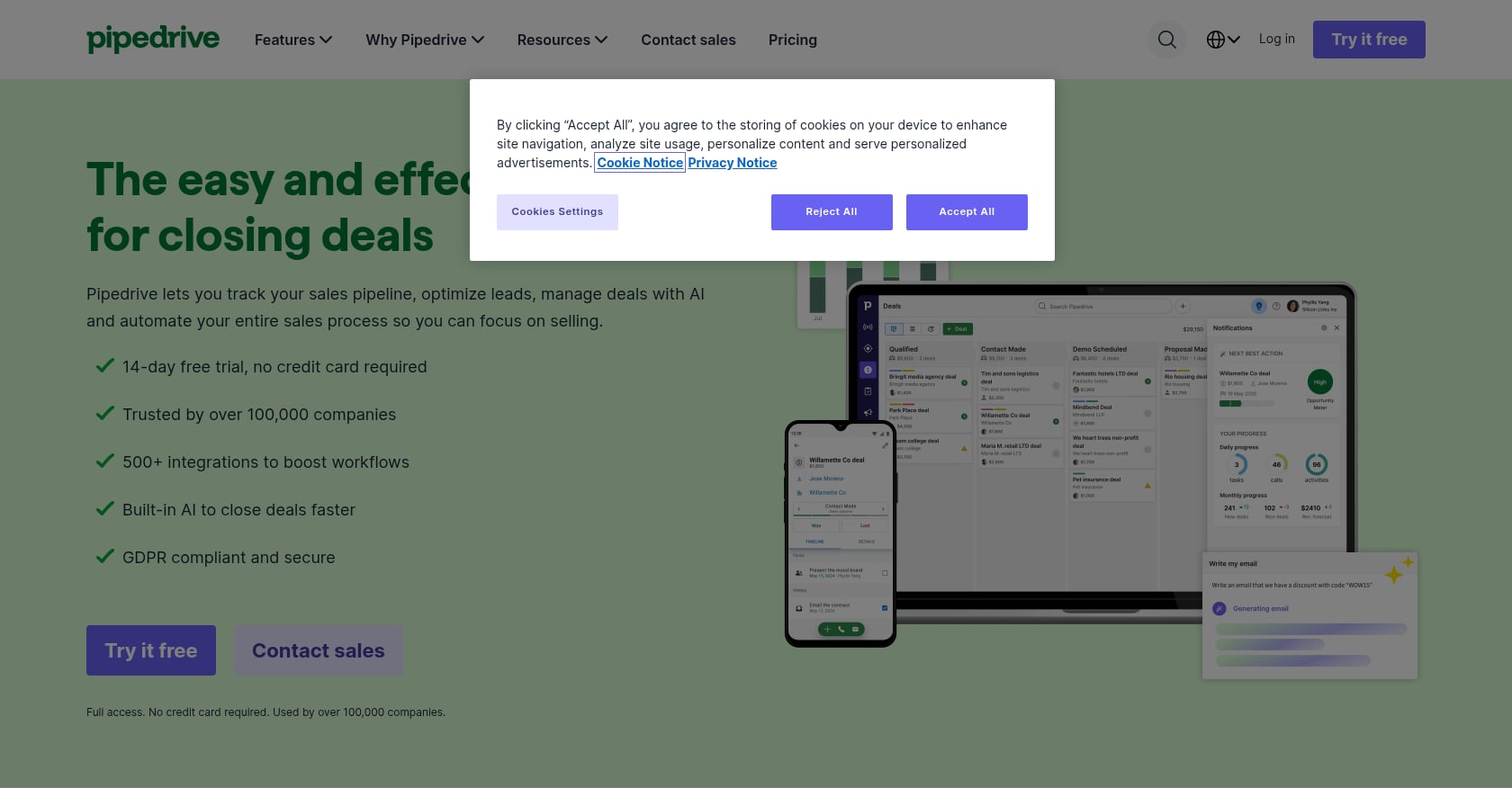
Best for: Small teams wanting an easy, visual CRM for pipeline tracking and follow-up automation.
Pricing:
- Lite: $14/seat/month (annual)
- Growth: $39/seat/month (annual)
- Premium: $59/seat/month (annual)
- Ultimate: $79/seat/month (annual)
- 14-day free trial
- Add-ons: LeadBooster from $32.50, Projects from $6.67, Campaigns from $13.33, Web Visitors from $41, Smart Docs from $32.50
Key features:
- Leads, deals, contacts, calendar, and pipeline management
- AI-powered report creation
- Automations and nurturing sequences on Growth+
- Lead generation, routing, and custom scoring on Premium
- AI email writing, summaries, and replies on Premium
- 500+ integrations
Tradeoffs:
- Not as specialized for outbound as Outreach, Salesloft, Lemlist, or Reply
- Add-ons increase total cost
- Lead generation and enrichment are not the core product
A Reddit user discussing tools for a one-person startup said Pipedrive workflow automation was useful for account management triggers but “not stellar” for outreach, which captures the right use case: pipeline CRM, not outbound engine.
Choose this if: You want a lightweight CRM backbone and plan to pair it with separate outbound and data tools.
Skip this if: You need specialized sales engagement or high-volume cold email capabilities.
12. Gong
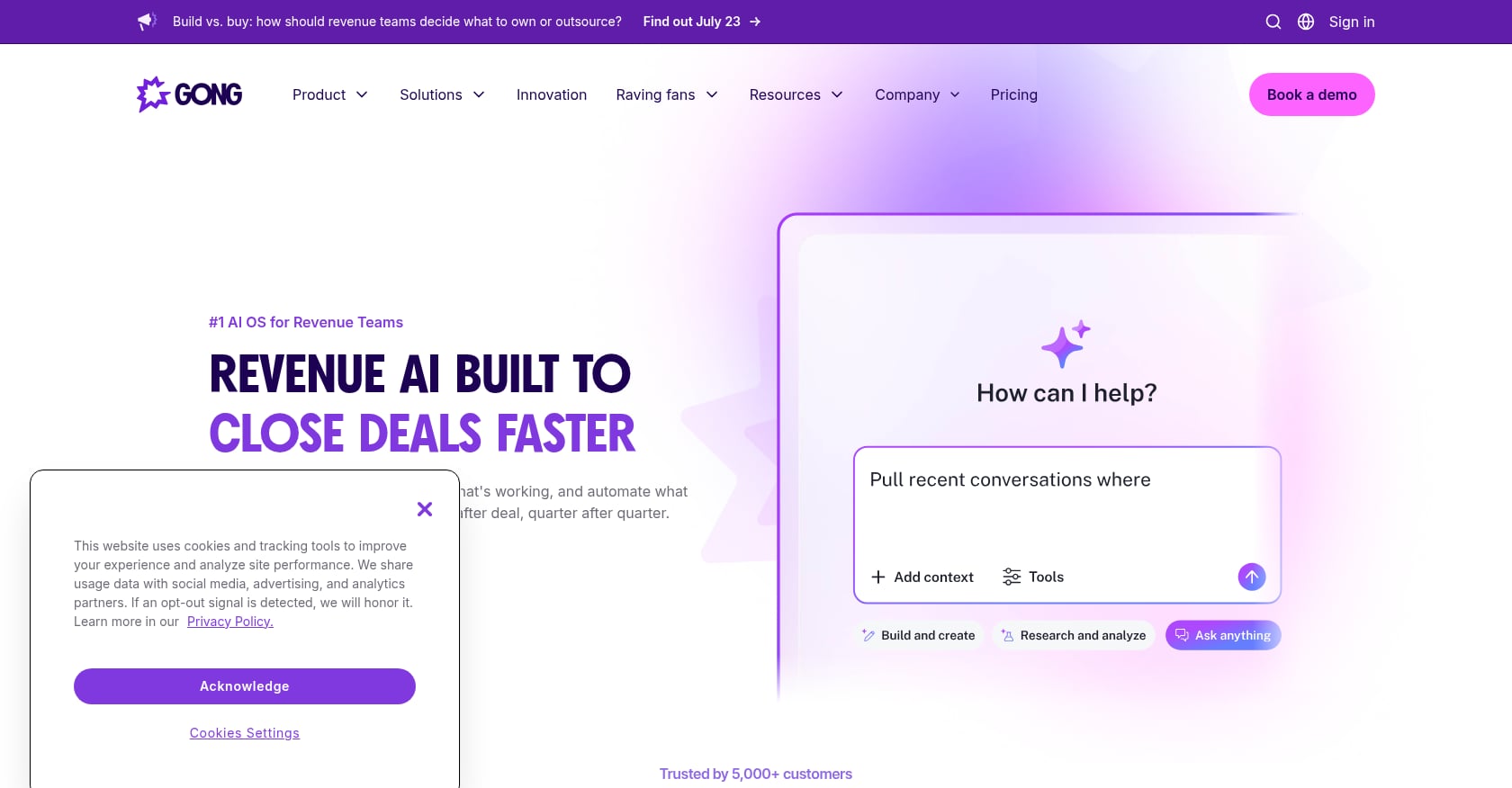
Best for: Sales teams with enough call volume to mine for coaching patterns, objection tracking, and deal risk signals.
Pricing:
- Quote-only
- Licenses priced per user, plus a platform fee based on total users
- Existing tech stack integrations included
Key features:
- Call recording and transcription
- Conversation intelligence
- Deal insights and coaching
- Forecasting and revenue intelligence
- Searchable call data and buyer conversation analysis
Tradeoffs:
- Expensive, with high minimum annual contracts reported by users
- Does not generate leads or run prospecting
- Benefits depend on call volume and manager adoption
- Overkill for early founder-led sales unless call review is the bottleneck
A Reddit user said Gong changed how their team sold, surfaced coaching insights, and improved their close rate, but complained about a high minimum annual contract and the cost of rolling it out to a 15-person team. Another thread suggested cheaper alternatives like Fathom or Otter for small teams, upgrading to Gong only when revenue justifies it.
Choose this if: You have enough calls to learn from and a sales manager who will actually use the coaching data.
Skip this if: You are pre-revenue or have fewer than a handful of sales calls per week. Do not buy call intelligence before you have conversations to analyze.
How to Choose the Right Sales Automation Layer
Tool comparisons are only useful when mapped to the actual bottleneck. Here is a decision framework:
If you do not have a repeatable GTM motion yet: Start with AgentWeb or a human-led GTM partner. Tools will not define your ICP, offer, positioning, or iteration cadence for you. That is strategy work, not software work.
If your main problem is prospect data: Start with Apollo for affordability or Clay if you need custom enrichment and signals.
If your main problem is outreach execution: Choose Lemlist or Reply for lean teams, Outreach or Salesloft for enterprise.
If your main problem is cold email infrastructure: Choose Instantly or Smartlead. But only after your messaging is proven.
If your main problem is CRM hygiene and deal follow-up: Choose HubSpot or Pipedrive.
If your main problem is call coaching: Choose Gong, but only once you have enough calls to justify the investment.
If you are under 10 sellers and still testing messaging: Enterprise sales engagement (Outreach, Salesloft) is usually not your first move. Start with tools that help you find what works before investing in tools that enforce consistency.
Try self-serve GTM workflows if you want to start building campaigns without committing to a full-service engagement.
The Real Cost of Sales Automation
Most listicles show the subscription price. That is rarely the full cost.
The real monthly cost formula looks like this:
Real monthly cost = tool subscription + paid seats + data credits + AI credits + phone/email enrichment + verification + sending domains + mailboxes + warmup tools + CRM seats + onboarding fees + implementation + operator time.
Practitioners on Reddit make this painfully clear. One user described a stack of Apollo for lead gen, Clay for qualifying, Lemlist for sequences, n8n for complex automation, separate domains and mailboxes for warmup, and HubSpot for CRM. The warning: stacks break when APIs or pricing change.
Here is what the math looks like in practice:
A “$59/month” Apollo plan can become $1,500/month when you add data cleanup, verification tools, 5-10 sending domains, matching mailboxes, a warmup tool, a CRM like HubSpot or Pipedrive, and 15-20 hours of the founder’s time per month to operate everything.
McKinsey estimated that generative AI could unlock $0.8 trillion to $1.2 trillion in productivity across sales and marketing. That number only materializes when teams invest in operational discipline, not just software subscriptions.
Before buying anything, add up every line item. Then compare that total to the cost of a service like AgentWeb that bundles execution, strategy, and tooling into one engagement.
Common Mistakes When Buying Sales Automation
1. Buying enterprise tools before proving messaging. Outreach and Salesloft enforce consistency. They do not create it. If your messaging is untested, you are paying enterprise prices to scale unproven copy.
2. Using Clay without an operator. Clay is a programmable workbench. Without someone to design, test, and maintain workflows, it becomes an expensive experiment.
3. Scaling bad lists with Instantly or Smartlead. Sending infrastructure amplifies whatever you put into it. If the list is bad and the messaging is weak, high-volume sending just gets you blacklisted faster.
4. Buying Gong before you have call volume. Conversation intelligence needs conversations. Two calls a week does not justify a five-figure annual contract.
5. Letting HubSpot become a database instead of a workflow. A CRM full of contacts with no follow-up sequences, no lead scoring, and no weekly review is just a very expensive spreadsheet.
6. Assuming AI personalization fixes a weak offer. AI can write faster. It cannot fix a value proposition nobody wants. The offer comes first; the automation comes second.
7. Ignoring deliverability. Every cold email tool in this list depends on inbox placement. Domains, warmup, sending caps, and list hygiene are not optional add-ons. They are the foundation.
8. Not assigning an owner for weekly iteration. Norwest’s B2B Benchmark Report found that 66% of B2B leaders focused on standardizing sales processes and playbooks, while 58% focused on implementing automation to reduce manual tasks. The common thread: someone has to own the cadence of reviewing results, killing weak campaigns, and expanding what works.
FAQ
What is sales automation?
Sales automation refers to software, AI tools, or execution services that automate repetitive sales tasks. This includes lead research, data enrichment, outreach sequences, follow-up reminders, CRM updates, meeting scheduling, pipeline tracking, call summaries, forecasting, and reporting. The goal is to remove manual work so sellers can focus on conversations and closing.
What is the best sales automation tool for startups?
It depends on the bottleneck. For founder-led startups that need full GTM execution, AgentWeb combines AI and human operators to ship campaigns weekly. For DIY prospecting and sequencing on a budget, Apollo is the go-to. For CRM automation, HubSpot. For enrichment workflows, Clay. For cold email infrastructure, Instantly or Smartlead. There is no single “best” tool because sales automation is a stack, not a single feature.
How much does sales automation cost?
Entry-level tools start around $39/month (Smartlead Base) for cold email sending. Mid-range tools like Apollo, Lemlist, and Reply run $49 to $109/user/month. Enterprise platforms like Outreach, Salesloft, and Gong are quote-only and can reach six figures annually. The real cost includes data credits, sending domains, mailboxes, verification, CRM seats, onboarding fees, and the operator time to run everything.
Can AI replace SDRs?
AI can automate research, drafting, routing, follow-up, CRM logging, and reporting. It does not automatically replace strategy, offer testing, relationship building, negotiation, or the judgment calls that happen weekly. Salesforce data shows teams using AI are 1.3x more likely to see revenue increase, but Gartner found 72% of organizations fail to reinvest saved time into high-value selling. The technology works; the operational discipline often does not.
What should a startup automate first?
Automate the bottleneck closest to revenue. No execution capacity? Start with a GTM execution service. No prospect data? Start with Apollo. Missing follow-ups? Start with HubSpot or Pipedrive. Low email volume? Start with Instantly or Smartlead. Inconsistent messaging? Start with human-reviewed workflows. Poor call coaching? Start with Gong, but only when you have enough calls to learn from.
Is it worth building a multi-tool sales stack?
It can be, but tool sprawl is a real pain point. Reddit users repeatedly warn that stacking Apollo, Clay, a sequencer, a warmup tool, and a CRM creates fragility. When one API changes or a vendor shifts pricing, the whole workflow can break. Consolidation (or using an execution service that bundles strategy and tooling) often produces better results with less operational risk.
When should a startup move from DIY sales automation to a service?
When the founder is spending more time operating and debugging tools than actually selling. If weekly GTM execution is inconsistent, messaging is not being iterated, and pipeline is stalling despite having tools in place, the problem is not software. It is execution capacity and GTM judgment.
How do I validate AI claims in sales automation tools?
Ask three questions. Does the AI automate a complete workflow, or does it just generate email copy? Can you see the AI’s output before it goes to prospects (human-in-the-loop)? Is there evidence, from user reviews or your own testing, that the AI improves outcomes versus manual work? Many tools bolt “AI” onto traditional sequencing. The difference between AI copy generation and agentic GTM execution is significant.
Or get a free AI Readiness Roadmap to see where your GTM has gaps.
Ex-Meta, Google, LinkedIn. 10+ years in ML & data science for GTM. Expert in customer acquisition and growth activation.
Get a free Stack Review.
30 min with Harsha and Matt.
We audit your last 30 days, pinpoint the highest-impact fixes, and hand you the exact playbook we'd run. No deck. No pitch unless there's a fit.