Best Sales Prospecting Tool in 2026: Top 13 Picks + Pricing


TL;DR
The right sales prospecting tool depends on what is actually broken in your pipeline, not which vendor claims the biggest contact database. This guide compares 13 tools by pricing, features, real user complaints, and honest limitations. Startups that need a full prospecting motion built and run should look at AgentWeb first. Teams with existing sales operators will find Apollo, Clay, Sales Navigator, or ZoomInfo better fits depending on budget and workflow complexity.
Why Most Sales Prospecting Tool Comparisons Miss the Point
Sales prospecting tools used to mean one thing: a database of business contacts. That definition no longer holds. The category now includes contact databases, LinkedIn research platforms, enrichment workflow builders, cold email sending engines, CRM-embedded prospecting modules, website visitor intelligence, and AI-powered execution services. Pipedrive’s guide defines sales prospecting tools as platforms that help businesses identify, qualify, and engage potential customers while automating lead generation, contact discovery, outreach, enrichment, and follow-up.
The problem is that most comparison articles treat all of these as interchangeable. They are not. A sending tool cannot fix a weak ICP. A database cannot write compelling messages. A workflow builder cannot replace the operator who designs and maintains the workflows.
For lean startup teams, the bottleneck is rarely “I can’t find a database.” It’s usually “Nobody is running the prospecting system end to end.” B2B contact data decays at roughly 2.1% per month, which means about 22.5% of your database goes stale every year. Buying contacts without a system to verify, enrich, and act on them is paying for data that rots in a spreadsheet.
Before picking any tool, identify your actual gap: target definition, contact discovery, data verification, outreach execution, or weekly iteration. The software that fills that specific gap is the one worth paying for.
If your gap is execution capacity rather than software access, AgentWeb’s AI agent combines prospecting with broader GTM workflows so startups ship campaigns instead of managing tool subscriptions.
At-a-Glance Comparison
| Tool | Best for | Starting price | Built-in data? | Outreach? | Key tradeoff |
|---|---|---|---|---|---|
| AgentWeb | Startup GTM execution | $199/mo (self-serve) | Via service workflows | Yes (full-service) | Newer brand, limited third-party reviews |
| Apollo.io | SMB all-in-one outbound | ~$49/user/mo | Yes | Yes | Data accuracy varies by segment |
| LinkedIn Sales Navigator | LinkedIn-first research | $119.99/mo | LinkedIn profiles only | InMail only | No email/phone export |
| Clay | GTM engineering | Free; paid from $185/mo | Via 150+ providers | Integrations | Steep learning curve, credit costs |
| ZoomInfo SalesOS | Enterprise data | ~$15k/year | Yes | Some features | Expensive annual contracts |
| Cognism | EU/GDPR phone data | Custom | Yes | Limited | Premium pricing |
| Lusha | Quick contact lookups | Free (40 credits/mo) | Yes | No | Credit burn on phone reveals |
| Hunter.io | Email finding/verification | Free (50 credits/mo) | Email only | Basic sequences | No phone or LinkedIn data |
| Instantly | Cold email scale | $47/mo | Optional credits | Yes | Not a prospect research tool |
| lemlist | Personalized multichannel | $69/mo (email) | Some credits | Yes | Per-seat costs add up |
| HubSpot Sales Hub | CRM-first teams | $7/seat/mo (Starter) | No | Sequences | Costs jump at Pro/Enterprise |
| Pipedrive + LeadBooster | SMB CRM prospecting | CRM + $32.50/mo add-on | Yes (Prospector) | Limited | Add-ons raise total cost |
| Leadfeeder | Website visitor signals | Free (Lite); €599/mo (Scale) | Company-level | No | Identifies companies, not people |
Pricing changes frequently. Verify current rates before committing.
How to Choose a Sales Prospecting Tool
The 5 Jobs of Prospecting
Every prospecting motion breaks down into five jobs. Most tools only cover two or three.
- Define the target. ICP, buyer personas, account filters, exclusions, and buying triggers. Without this, every tool downstream wastes effort.
- Find accounts and people. Databases, LinkedIn search, company lists, funding/hiring signals, website visitors.
- Verify and enrich. Email verification, phone validation, role confirmation, firmographics, technographics, intent signals.
- Engage. Cold email, LinkedIn, phone, retargeting, founder-led content, follow-ups.
- Learn and iterate. Reply rates, positive replies, show rates, meetings booked, pipeline quality, and channel-level feedback loops.
A Gartner study found that AI saves sellers nearly five hours per week, but organizations that reinvest that time into high-impact activities are 2.2x more likely to exceed customer growth goals and 3.1x more likely to exceed lead-to-opportunity conversion goals. Tools alone do not create that reinvestment. Systems and operators do.
The Tool vs. Operator Decision
Buy a tool if:
- You already know your ICP.
- You have a sales or GTM operator who will own the workflow.
- You can write, test, and iterate messaging yourself.
- You can manage domains, deliverability, CRM sync, and reporting.
Buy an AI plus human execution partner if:
- You are founder-led or early-stage with no dedicated sales ops.
- You need prospecting connected to broader GTM strategy (content, ads, founder brand, SEO).
- You need weekly shipping across channels, not just a database to log into.
- You want a go-to-market strategy framework built and executed, not just planned.
This distinction is the single biggest factor most buyers ignore. LinkedIn practitioners increasingly describe GTM as an orchestration problem, not a tool problem. One practitioner post compared Clay, Apollo, and ZoomInfo and concluded that Clay is a data orchestration platform with strong flexibility but a learning curve, Apollo is an all-in-one for SMBs, and ZoomInfo is enterprise data with expensive annual contracts. The right category choice matters more than the feature-by-feature comparison.
13 Best Sales Prospecting Tools in 2026
1. AgentWeb
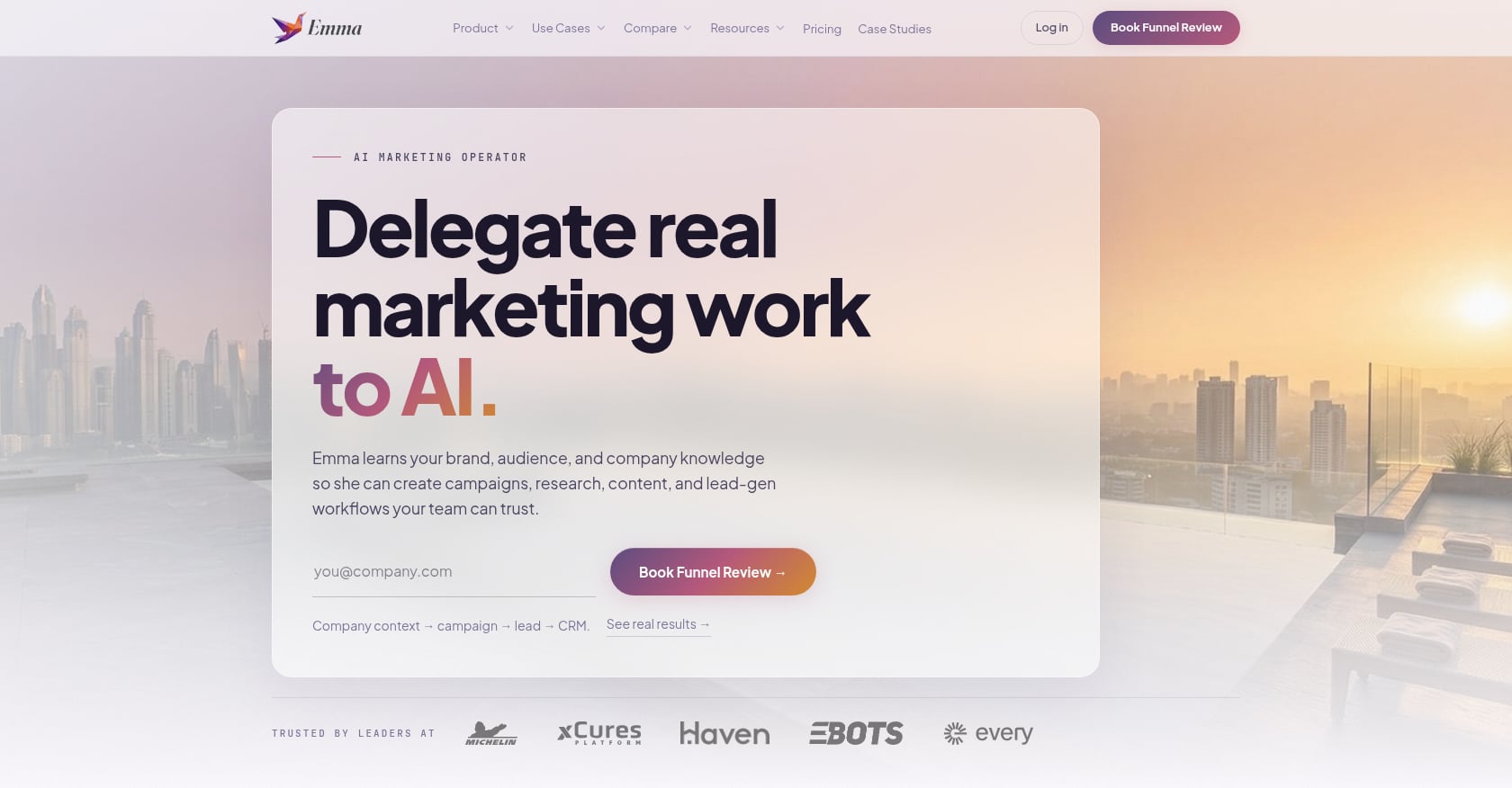
Best for: Startups that need prospecting execution, not another DIY tool
Starting price: $199/month (self-serve platform after 7-day free trial); seasonal pricing for done-for-you Growth Ops and custom workflow tiers (contact founders@agentweb.pro)
What it does well:
- 90-day GTM diagnostic and plan led by a senior operator team
- AI marketer “Emma” executes across Meta, Google, LinkedIn/X, email, and outbound
- Slack/Teams approval workflows so founders stay in control without getting buried
- AgentWeb Portal for calendars, dashboards, and optimization loops
- Founder-brand support including LinkedIn ghostwriting and executive communications
- SEO content production and weekly performance reviews
- Self-serve AI campaign templates for market research, competitive analysis, and audience insights
- Integrates with existing ad platforms and CRMs
- Transition path from full-service to self-serve after the system is built
Limitations:
- Not a standalone contact database like Apollo or ZoomInfo. If you only need raw contact lookups, this is more than you need.
- Public service pricing is seasonal and not fully listed on-site.
- Third-party review footprint is limited compared with established SaaS tools.
- Best results require active Slack/Teams approvals and weekly collaboration.
Real user perspective: AgentWeb has published case studies showing measurable results. The Nailed It case study documents 4,000+ leads and 328 add-to-carts in 3 months at 2.91% CTR and roughly $0.24 CPC. The Cora case study shows 13.19% peak CTR on a $300/month ad budget. You can review these on the case studies page. Independent G2 or Reddit threads specifically about AgentWeb were not found during research, which is a tradeoff of being a newer entrant.
Bottom line: Choose AgentWeb if your bottleneck is not access to names but getting a prospecting motion researched, launched, tested, and improved every week. It fills the gap between “we have a database login” and “we have a lead research workflow that actually ships pipeline.”
2. Apollo.io
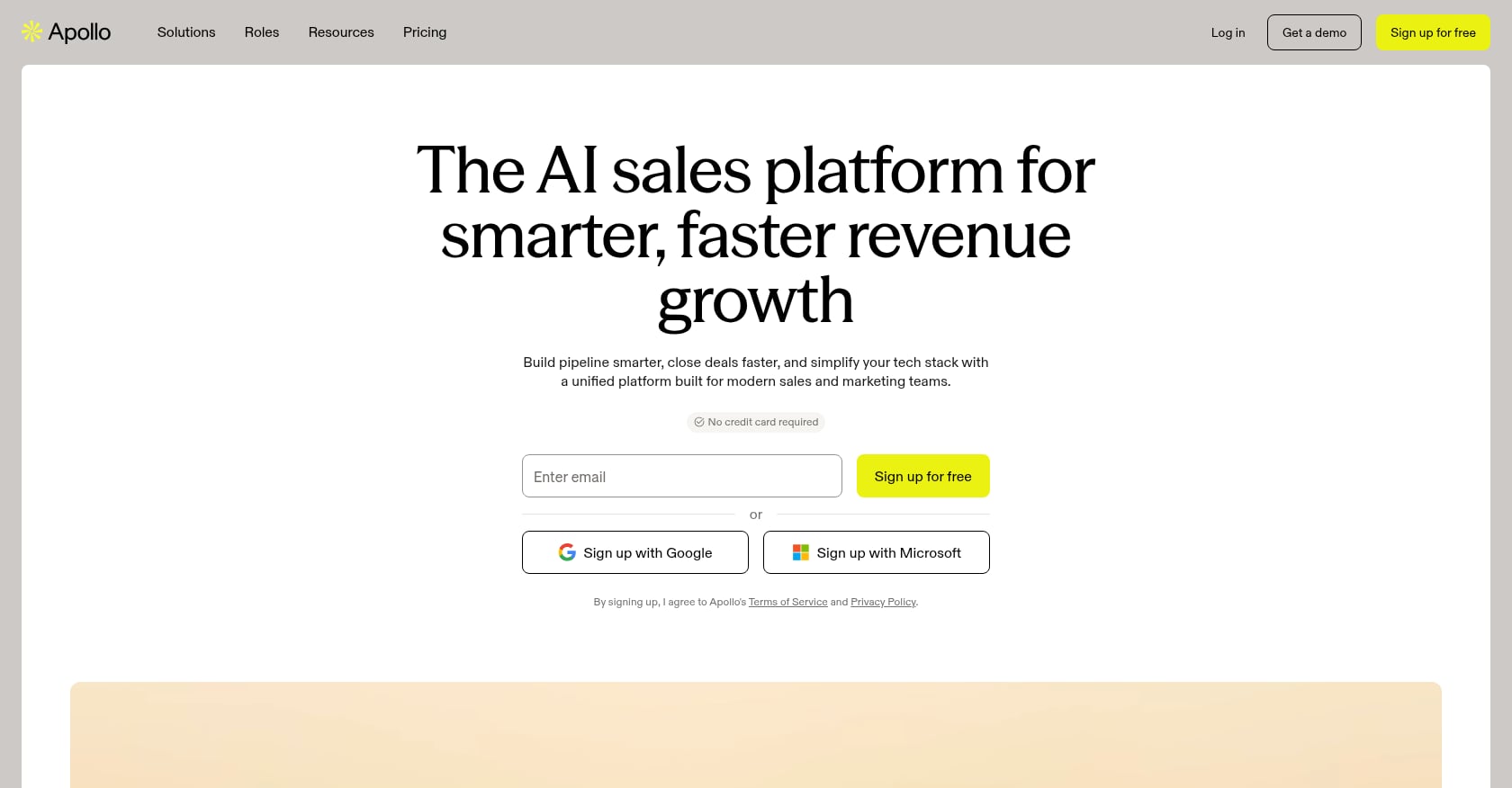
Best for: SMB sales teams that want one platform for B2B contacts, filtering, email sequences, and basic CRM
Starting price: Free tier available; paid plans start around $49/user/month with a 14-day trial on select tiers
What it does well:
- Large B2B contact database (230M+ contacts per industry sources) with detailed filtering
- Built-in email sequences and dialer
- Buyer intent signals and website activity tracking
- Chrome extension for quick LinkedIn prospecting
- Technographic and firmographic filters
- Email verification included in workflow
Limitations:
- Data accuracy is inconsistent, especially for smaller companies and certain geographies. Multiple review sources and practitioners flag this.
- Built-in CRM features are lighter than dedicated CRMs like HubSpot or Salesforce.
- Credit/export limits on lower tiers can surprise teams that start exporting aggressively.
Real user perspective: Practitioners on Reddit repeatedly describe Apollo as the default starting point for lean outbound because it is affordable and all-in-one. But the most common complaint is data quality. One Reddit thread about Apollo alternatives focused entirely on users seeking better accuracy after finding that “verified” emails still bounced at unacceptable rates. G2 reviewers echo this: they praise ease of use and powerful filtering while flagging inconsistent data freshness.
Bottom line: Apollo is the best low-friction choice for SMB teams that want database plus outreach in one place. Just verify your data before blasting, and pair it with a separate tool if accuracy matters for high-value enterprise accounts.
3. LinkedIn Sales Navigator
Best for: B2B teams that sell through LinkedIn, map buying committees, and need first-party professional profile data
Starting price: Core at $119.99/month per license or $1,079.88/year; Advanced at $159.99/month or $1,799.88/year; Advanced Plus is custom
What it does well:
- Advanced lead and account search with filters for title, seniority, company size, industry, and geography
- Saved lead lists with real-time alerts for job changes and company news
- InMail messaging to prospects outside your network
- TeamLink for shared connections across your org
- Buyer intent signals and account mapping on higher tiers
Limitations:
- No email or phone number database. It shows LinkedIn profiles, not contact data.
- No CSV export. Moving leads into other tools requires scraping workarounds or manual effort.
- InMail response rates have declined as buyer inboxes get noisier.
- Lower tiers lack CRM integration and team collaboration features.
Real user perspective: Reddit users consistently value Sales Navigator for finding active LinkedIn users and monitoring role changes. The most common frustration? It does not export data and requires pairing with an enrichment tool like Apollo, Hunter, or Lusha to get emails and phone numbers. One practitioner thread debating “Is Sales Navigator really worth it?” concluded that it is strong for research but incomplete for outreach.
Bottom line: Sales Navigator is the best research layer for LinkedIn-heavy B2B selling. Do not treat it as a complete prospecting stack unless you plan to manually enrich and sequence leads elsewhere.
4. Clay
Best for: GTM engineers and RevOps teams that want signal-based prospecting with enrichment waterfalls and workflow orchestration
Starting price: Free plan with 500 actions/month and 100 data credits; Launch at $185/month; Growth at $495/month; Enterprise is custom
What it does well:
- Pulls data from 150+ third-party providers through multi-provider enrichment waterfalls
- Claygent AI agent for automated web research on prospects
- Job-change and company-news signals on paid plans
- CRM sync, HTTP API integrations, and web intent signals on Growth tier
- Audience pushes to LinkedIn and Meta for retargeting on Growth/Enterprise
- BYO API key option to control costs
Limitations:
- Significant learning curve. This is not a “sign up and start prospecting” tool.
- Credit costs add up fast. Top-ups on certain plans carry a 30% premium.
- Requires a GTM engineer or technically skilled operator to build and maintain workflows.
- Data quality depends on the underlying providers you chain together.
Real user perspective: A Reddit review of Clay said waterfall enrichment is genuinely useful and chaining providers beats manual enrichment, but warned that Clay is overkill for teams that just need basic contact information. LinkedIn practitioners frequently echo this: Clay is powerful GTM orchestration, but it needs someone technical enough to build and maintain the system. One LinkedIn post stated plainly that “Clay needs a GTM engineer to get results.”
Bottom line: Clay is excellent if you have a GTM engineer and want to build a custom prospecting machine. If you don’t have that person, you’ll spend more time building workflows than booking meetings.
5. ZoomInfo SalesOS
Best for: Mid-market and enterprise sales teams that need high-coverage B2B data, direct dials, org charts, and intent signals at scale
Starting price: Custom pricing; industry estimates commonly start around $14,995/year for entry-level SalesOS packages, scaling to $25k+ and $40k+ for higher tiers
What it does well:
- Deep B2B contact and company data with verified emails and direct-dial phone numbers
- Org charts and reporting hierarchies for account-based selling
- Technographic data, buyer intent signals, and trigger events
- Website visitor identification
- Enrichment APIs for CRM and marketing automation platforms
Limitations:
- Expensive annual contracts with limited flexibility. Reddit users frequently report $15k+ annual minimums.
- Data quality still varies by segment and geography, despite the premium price tag.
- Credit and usage complexity can make budgeting difficult.
- Overkill for early-stage startups that haven’t proven outbound works yet.
Real user perspective: Reddit sentiment on ZoomInfo is mixed. Some sellers say the data is stronger than cheaper alternatives, especially for direct dials. Others complain about outdated records, hit-or-miss mobile numbers, and frustration with contract negotiation and renewal terms. Trustpilot reviews include complaints about contact accuracy and billing issues. The common thread: ZoomInfo is powerful but only worth it if your ACV and deal volume justify the spend.
Bottom line: ZoomInfo is the right choice when every connected call matters and your revenue per deal supports enterprise data pricing. For startups still validating outbound, it is almost always too expensive to justify. Explore outbound strategies that work before committing to a premium database.
6. Cognism
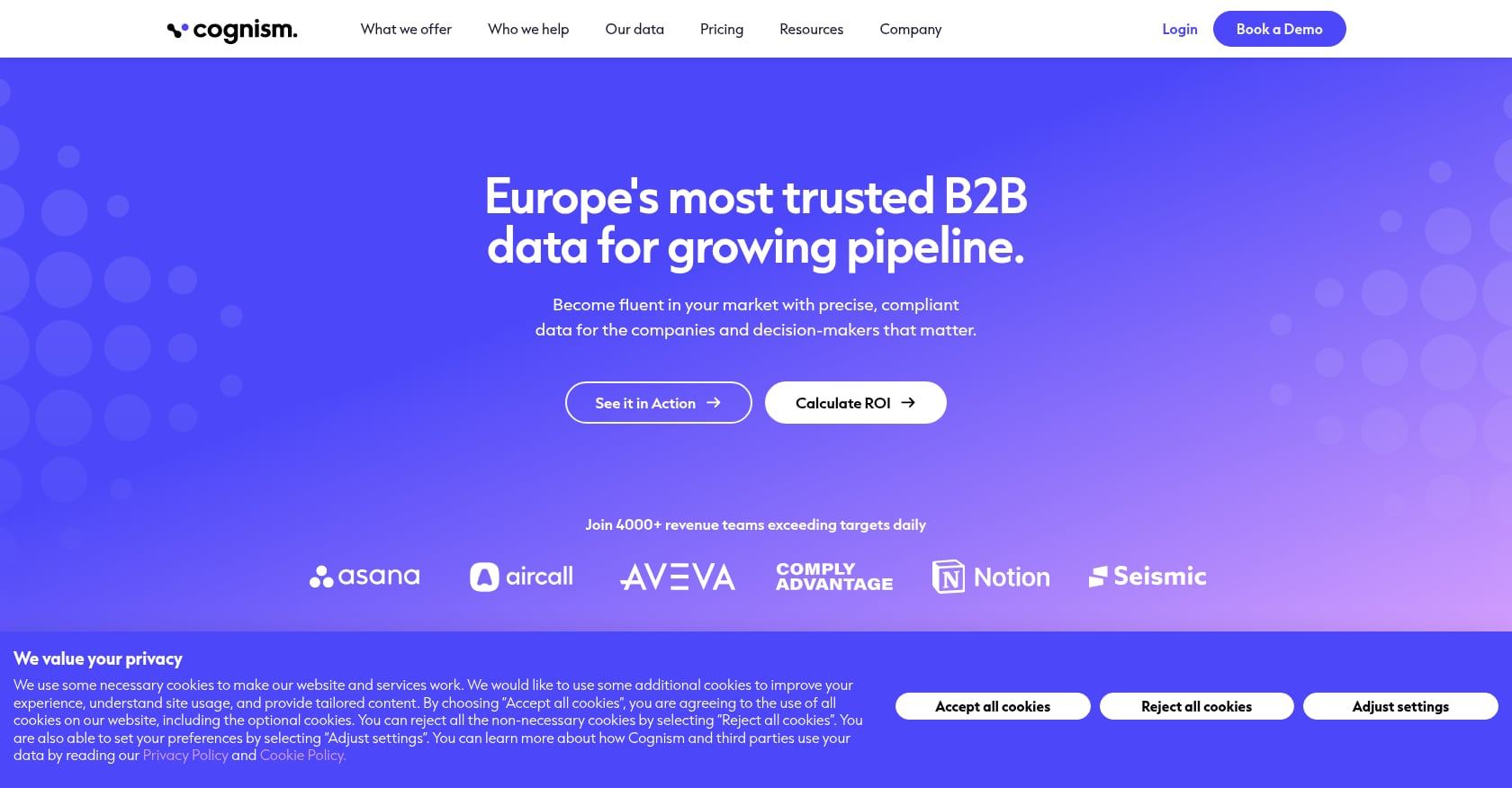
Best for: Teams selling into Europe, compliance-sensitive organizations, and phone-heavy outbound teams that need verified mobile numbers
Starting price: Custom pricing tailored by product, team size, and usage; Standard and Pro prospecting packages available
What it does well:
- GDPR-compliant data with strong European coverage
- Phone-verified mobile numbers (a key differentiator for cold-calling teams)
- On-demand mobile verification
- CRM enrichment and Data-as-a-Service options
- Intent data and advanced dashboards on Pro tier
Limitations:
- Premium pricing relative to Apollo, Hunter, or Lusha. Reddit users mention teams paying around $30k/year.
- Custom pricing makes it hard to budget without a sales conversation.
- Built-in outreach capabilities are lighter than dedicated engagement tools.
- US coverage may be weaker than its European data strength.
Real user perspective: Reddit discussions praise Cognism’s GDPR positioning and phone verification for European markets. The main criticism is price. Teams that need strong EU data and compliance often accept the premium. Teams that primarily sell into North America tend to find better value elsewhere.
Bottom line: Cognism is worth evaluating if compliance and phone-verified European mobile data are non-negotiable. For US-focused teams on a budget, Apollo or Lusha covers more ground per dollar.
7. Lusha
Best for: Individual reps and small teams that need fast email and phone lookups from LinkedIn or company websites
Starting price: Free plan with up to 40 credits/month; paid tiers (Starter, Pro, Premium, Scale) increase credit allowances
What it does well:
- Simple browser extension for quick contact reveals
- Email lookup costs 1 credit; phone lookup costs 5 credits
- CRM integrations for direct contact pushing
- Team credit allocation and management on paid plans
- API access for RevOps and marketing workflows on higher tiers
Limitations:
- Better for quick lookups than full campaign orchestration. There is no serious sequencing engine.
- Phone-heavy teams burn credits fast (5 credits per phone number).
- Data quality varies like all B2B databases.
- Pricing has increased over time. Reddit users have flagged rising costs as a growing concern.
Real user perspective: Review sources describe recurring frustration with stale data and credit-based pricing. Lusha works well for reps who need a handful of phone numbers quickly. It becomes expensive and limiting when teams scale to high-volume prospecting.
Bottom line: Lusha is a practical utility tool for quick contact reveals. Budget carefully if your team does phone-heavy outreach, and pair it with a separate engagement tool for sequencing.
8. Hunter.io
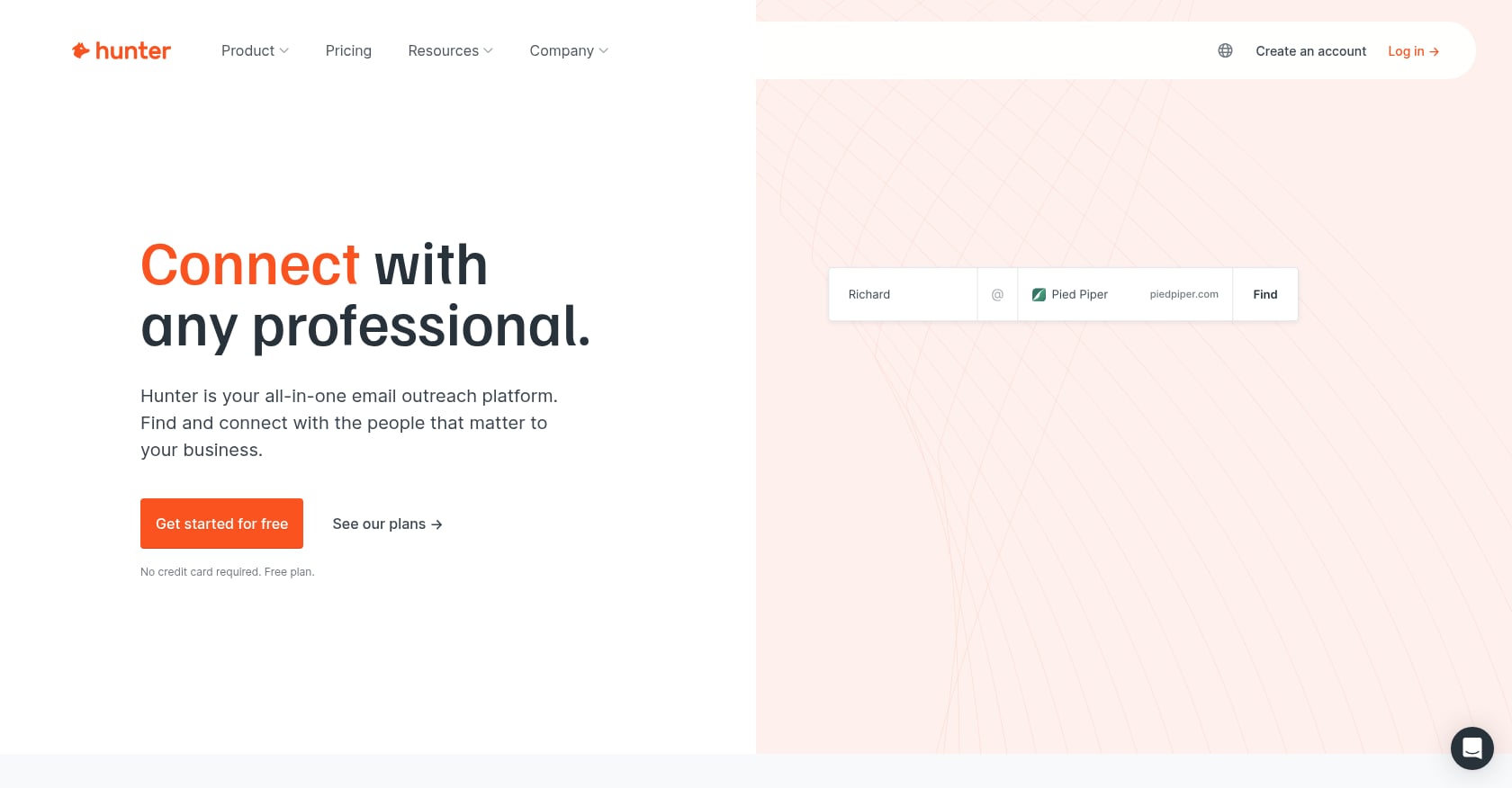
Best for: Teams that need domain-based email finding, email verification, and lightweight cold email sequences
Starting price: Free plan with 50 credits/month and Hunter Sequences; paid plans scale credits and features, with annual plans offering a 30% discount
What it does well:
- Domain Search finds email addresses associated with any company domain
- Email Finder locates specific contacts
- Email Verifier checks deliverability before you send
- Bulk finding and verification for list processing
- Built-in Sequences for basic cold email campaigns
- Unlimited users on all plans
Limitations:
- Mostly email-focused. Not a phone, LinkedIn, or direct-dial solution.
- Not a full sales engagement platform. Sequences are basic compared with Instantly or lemlist.
- Teams that need intent signals, phone data, or multichannel outreach will outgrow it.
Real user perspective: Reddit users describe Hunter as clean and reliable for quick domain email finding. The most common advice: verify Hunter results with a secondary tool before sending, since pattern-matched emails are not always deliverable. Review sources confirm Hunter’s accuracy is strong for email discovery but note its limitations for teams wanting a complete cold outreach strategy.
Bottom line: Hunter is the right choice when you need verified emails without paying for a full-stack prospecting platform. It is not enough if your motion depends on phone calls or LinkedIn touches.
9. Instantly
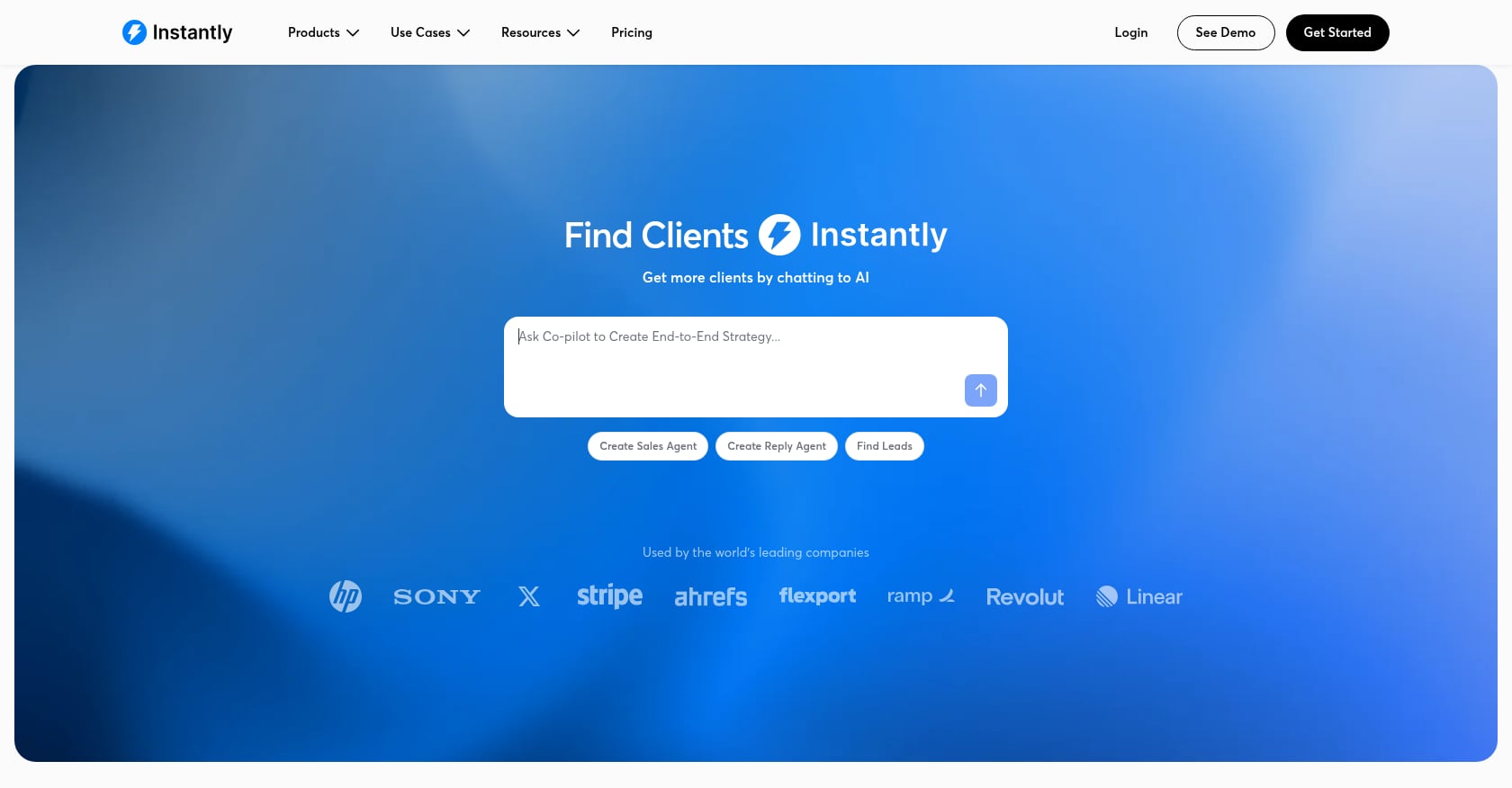
Best for: Teams with existing lead lists that need to send cold email at scale with strong deliverability infrastructure
Starting price: Growth at $47/month (1,000 uploaded contacts, 5,000 emails/month); Hyper Growth at $97/month; Light Speed at $358/month; Instantly Credits are separate starting at $9/month
What it does well:
- Unlimited email account connection and warmup on all plans
- Campaign management with A/B testing
- Inbox placement and deliverability testing
- Lead enrichment and verification via credits
- AI reply and sales agent features via credits
- Built-in CRM module
Limitations:
- Not a prospect research platform. It sends emails, it doesn’t tell you who to send them to.
- Credits for enrichment, verification, and AI features are separate from sending plans.
- LinkedIn and multichannel capabilities lag behind specialist tools.
- Cannot fix a weak ICP, bad offer, or poor list hygiene.
Real user perspective: G2 reviews (4.8/5 from 4,000+ reviews) praise ease of use and deliverability. Reddit comparisons often place Instantly alongside Smartlead and lemlist for cold email scale. Users emphasize that deliverability infrastructure, including multiple domains, inbox limits, and warmup discipline, matters more than which sending tool you pick. Average cold email reply rates sit around 3.1%, with top performers hitting 8 to 12%. The tool matters less than the message and targeting behind it.
Bottom line: Instantly is a strong cold email engine. Use it after your data, ICP, verification, and messaging strategy are already in place, not before.
10. lemlist
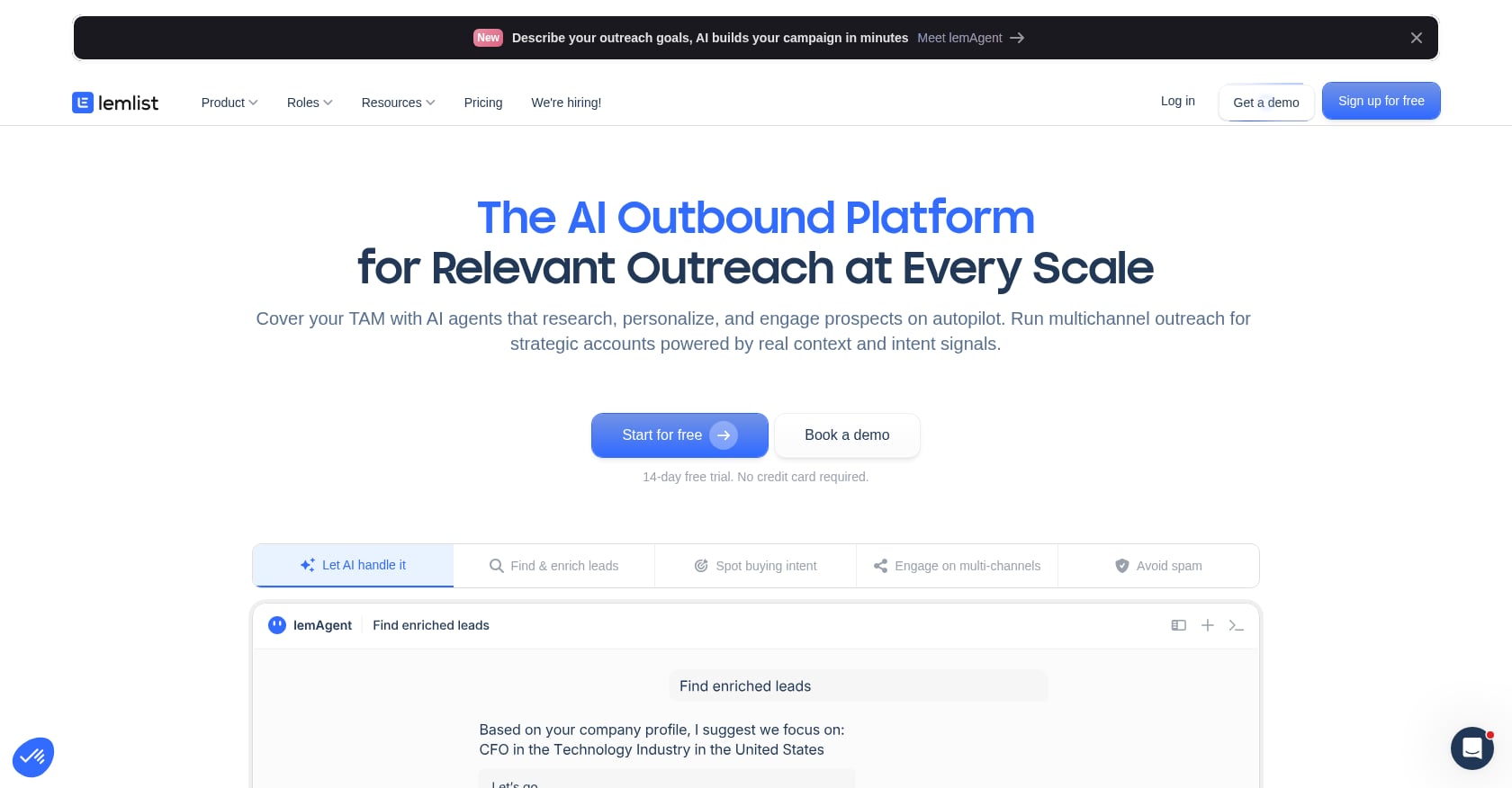
Best for: Teams that want polished cold email personalization and multichannel sequences including LinkedIn and phone
Starting price: Email plan from $69/month (50,000 emails/month, unlimited users and senders); Multichannel Expert at $109/user/month; Enterprise is custom with five-seat minimum
What it does well:
- Strong email personalization features including custom images and dynamic variables
- Built-in warmup across sending accounts
- Multichannel Expert adds LinkedIn steps and calling to sequences
- Volume-based email plan means unlimited users without per-seat pricing on the Email tier
- Quarterly and yearly billing discounts available
Limitations:
- Multichannel Expert is per-seat, so team costs can climb quickly.
- High-volume senders may find Instantly or Smartlead more economical.
- Still requires quality data and deliverability setup. lemlist does not solve list sourcing.
- Not a full contact database replacement for most teams.
Real user perspective: Reddit users describe lemlist as polished for personalization but warn about scaling costs when adding multiple seats on the Multichannel plan. Some compare it favorably to Instantly for smaller, more personalized campaigns and less favorably for pure volume plays.
Bottom line: lemlist is the right pick when personalization quality and multichannel sequencing matter more than the lowest per-email sending cost.
11. HubSpot Sales Hub
Best for: CRM-first teams that want prospecting, pipeline management, sales automation, and reporting in one customer platform
Starting price: Free tools available; Starter at $7/seat/month; Professional at $90/seat/month; Enterprise at $150/seat/month
What it does well:
- Full CRM with pipeline management, deal tracking, and contact records
- Sequences for email outreach and follow-ups
- Meeting scheduling and quotes
- Reporting dashboards and sales analytics
- Forecasting and goals on higher tiers
- Ecosystem of marketing, service, and operations hubs
Limitations:
- Not primarily a third-party contact database. You still need Apollo, ZoomInfo, or similar tools for contact discovery.
- Costs jump sharply from Starter to Professional. Professional requires a one-time $1,500 onboarding fee; Enterprise requires $3,500.
- Advanced automation and custom properties require setup discipline.
- Per-seat pricing means costs scale linearly with team size.
Real user perspective: G2 reviewers see value from automation and reporting, but note that advanced features can be complex to configure. Reddit users frequently warn that HubSpot pricing “feels like a pyramid” as teams add hubs, seats, contact tiers, and higher-tier requirements. Many outbound teams still pair HubSpot with Apollo, Sales Navigator, or enrichment tools for contact sourcing.
Bottom line: HubSpot Sales Hub is strong when CRM is the center of your sales process. It is less compelling if your only need is cheap contact discovery or lightweight prospecting.
12. Pipedrive + LeadBooster
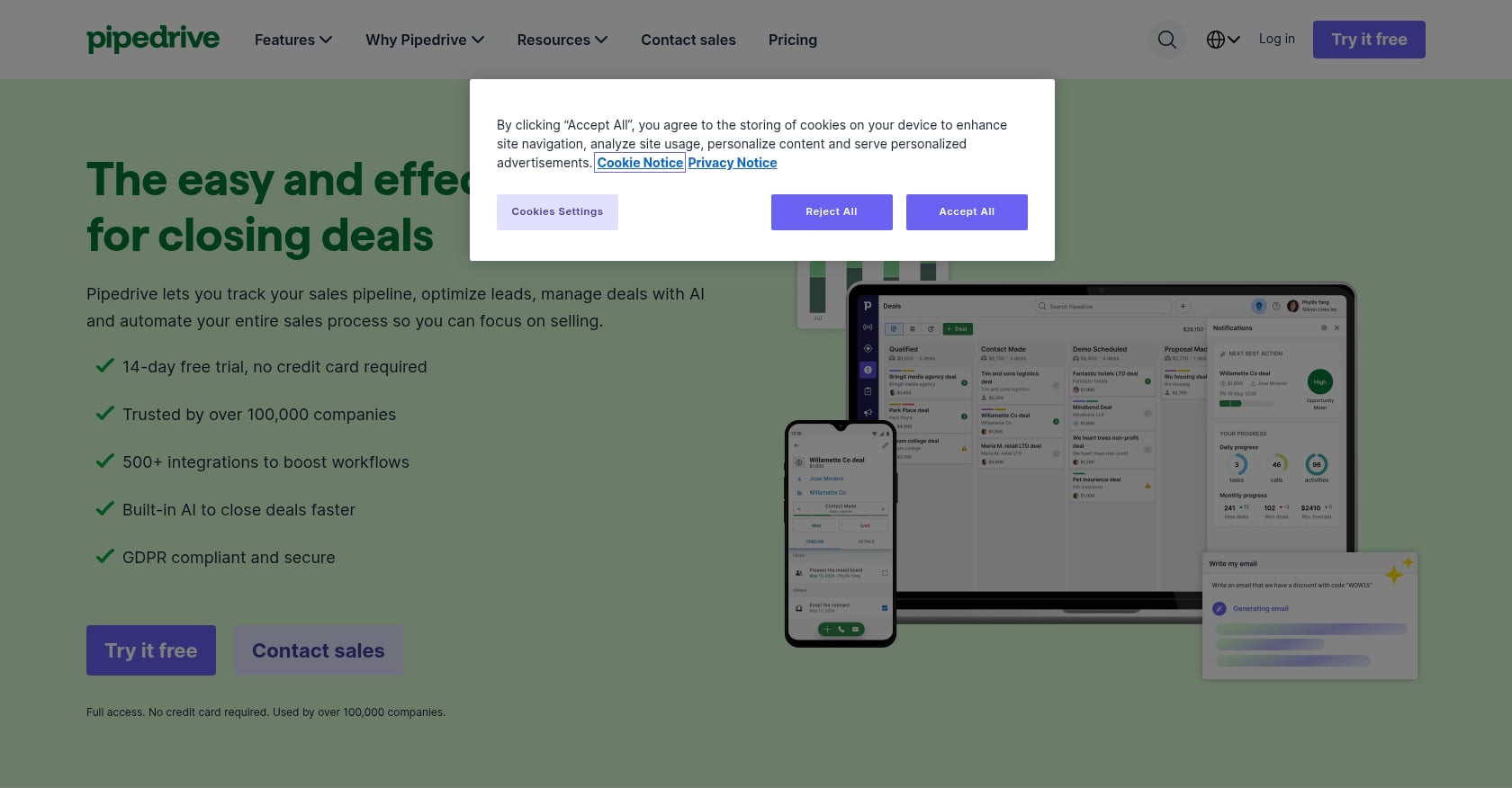
Best for: SMBs that want a simple CRM with built-in lead capture, chatbot, and prospecting data
Starting price: Pipedrive CRM plans start at $14/seat/month (annual billing); LeadBooster add-on from $32.50/month/company, included with Premium and Ultimate plans
What it does well:
- Clean, simple CRM designed for small sales teams
- LeadBooster includes Chatbot, Live Chat, Web Forms, and Prospector
- Prospector database covers 400M+ profiles and 10M+ companies
- 14-day free trial for LeadBooster
- Tight integration between lead capture and deal pipeline
Limitations:
- Prospector is tied to Pipedrive’s ecosystem. It is not useful outside Pipedrive.
- Contact database depth may not match Apollo or ZoomInfo for specialized use cases.
- Add-on pricing can raise the total cost beyond what SMBs initially expect.
- Less flexible than Clay or standalone enrichment tools for GTM workflows.
Real user perspective: TechRepublic notes that Pipedrive is easy to use but lead generation and campaign management require add-on fees. Forbes Advisor flags that LeadBooster at $32.50/month can change the value equation for budget-conscious SMBs.
Bottom line: Pipedrive + LeadBooster is a good CRM-first prospecting setup for SMBs that value simplicity over a complex multi-tool sales stack.
13. Leadfeeder
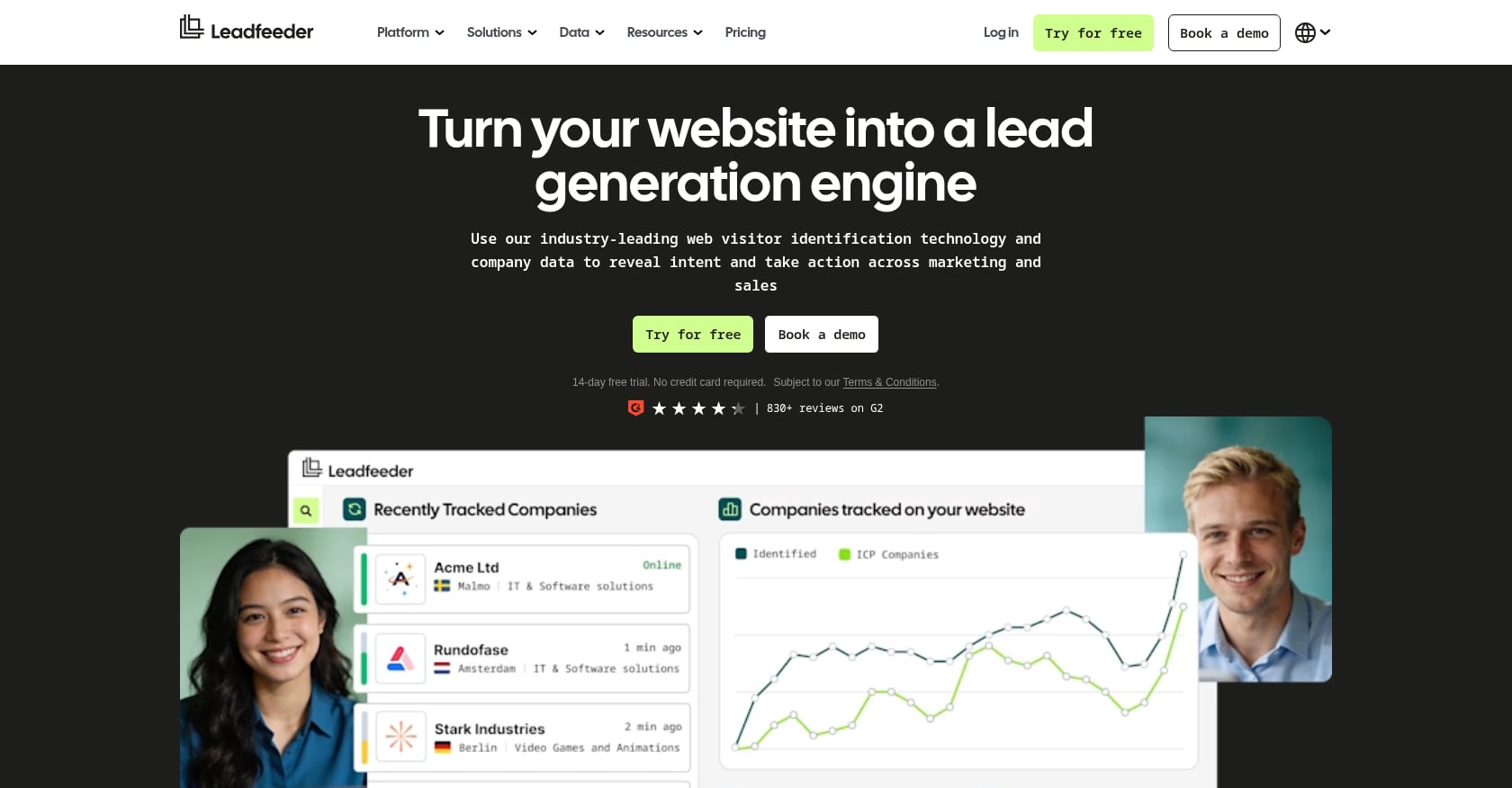
Best for: B2B companies with meaningful website traffic that want to identify which companies are visiting and route those signals to sales
Starting price: Lite plan is free (last 100 companies/month, 7-day history); Scale starts at €599/month billed annually with 2,000 companies/month and 1,000 credits
What it does well:
- Company-level website visitor identification from anonymous traffic
- Visitor behavior tracking by page and session
- Credits for enrichment or activation actions
- CRM integration for pushing signals directly to sales reps
- Useful as a warm-account discovery layer on top of other prospecting tools
Limitations:
- Identifies companies, not specific individuals. You still need contact enrichment.
- Value depends heavily on traffic volume and ICP specificity. Low-traffic sites get little signal.
- Remote work, VPNs, and shared IPs can reduce identification precision.
- Scale plan pricing (€599/month) is steep for teams with modest website traffic.
Real user perspective: Reddit users say visitor identification tools can create useful account-level signals but can also produce noise. Knowing “someone at Acme visited your pricing page” is only valuable if your team has a workflow to identify the right person and follow up quickly.
Bottom line: Leadfeeder is a useful add-on for warm account discovery, not a replacement for a contact database or outbound process.
Best Sales Prospecting Tool by Use Case
Quick reference if you know your situation:
- Startup that needs execution, not more software: AgentWeb
- SMB all-in-one outbound: Apollo.io
- LinkedIn-first prospecting: LinkedIn Sales Navigator
- GTM engineers building custom workflows: Clay
- Enterprise data at scale: ZoomInfo
- EU compliance and verified phone data: Cognism
- Quick contact lookups: Lusha
- Simple email finding: Hunter.io
- High-volume cold email sending: Instantly
- Personalized multichannel sequences: lemlist
- CRM-first sales team: HubSpot Sales Hub or Pipedrive
- Website visitor intelligence: Leadfeeder
Not sure which category fits your team? Comparing the costs of AI SDRs, agencies, and DIY tools can help you decide whether you need software, services, or both.
Hidden Costs to Watch For
The sticker price of any sales prospecting tool is almost never the full cost. Here is what actually adds up:
Credit burn. Lusha charges 1 credit for an email reveal and 5 for a phone number. Clay uses Data Credits for marketplace enrichment, with top-ups at a 30% premium. Apollo, Cognism, and Leadfeeder each use different credit models. Before committing, calculate how many contacts your team will reveal monthly and multiply out the real spend.
Annual contracts. ZoomInfo and Cognism require custom, usually annual, agreements. ZoomInfo estimates often start around $15k/year. Cognism teams report similar commitments. These contracts reduce flexibility and increase risk if outbound doesn’t work as expected.
Onboarding fees. HubSpot Professional requires a one-time $1,500 onboarding fee. Enterprise requires $3,500. These are non-negotiable for those tiers.
Sending infrastructure. High-volume cold email with Instantly or lemlist requires buying separate domains, setting up multiple inboxes, warming them, and managing send limits. Instantly’s email outreach and credit plans are priced separately. This adds operational cost on top of the subscription.
Operator time. Clay may be powerful, but practitioners on Reddit and LinkedIn repeatedly warn about the learning curve and the need for a dedicated GTM engineer. The “free” plan is free in dollars but expensive in hours. The same applies to assembling and managing a multi-tool stack of Sales Navigator plus Apollo plus Instantly plus a CRM.
Bad data costs. Stale contacts burn sender reputation, waste credits, and poison your domain. A Reddit user who tested the same list through multiple email finder tools found dramatic variance in match rates and bounce rates across providers. Quality matters more than quantity because poor data is not just wasteful, it is actively harmful to deliverability.
The real formula: Total cost equals subscription plus seats plus credits plus enrichment plus verification plus sending infrastructure plus CRM/admin time plus operator hours plus cleanup time plus opportunity cost of bad data.
FAQ
What is a sales prospecting tool?
A sales prospecting tool is software that helps businesses identify, qualify, and engage potential customers. These platforms automate tasks like lead generation, contact discovery, data enrichment, outreach sequencing, and follow-up. The category ranges from simple email finders (Hunter) to full execution services (AgentWeb) to enterprise data platforms (ZoomInfo).
What is the best sales prospecting tool for startups?
It depends on team size and skill set. For founder-led startups that need strategy and execution handled together, AgentWeb is the strongest fit because it combines AI workflows with senior operators. For DIY teams with a sales operator, Apollo offers the best all-in-one value. For lean manual stacks, Sales Navigator plus Hunter plus Instantly covers research, emails, and sending at low cost. Review AgentWeb’s pricing to compare the execution path against DIY tool costs.
Is Apollo better than ZoomInfo?
For different teams, yes. Apollo is usually better for SMB affordability and all-in-one outbound (database plus sequences in one tool). ZoomInfo is better for enterprise data depth, direct dials, and org charts, but costs 10x or more. If your average deal size is under $20k, Apollo is almost always the smarter starting point.
Is Clay a sales prospecting tool?
Clay is more of a GTM workflow and enrichment orchestration platform than a traditional prospecting database. It pulls data from 150+ providers and lets you build custom enrichment waterfalls, AI research agents, and signal-based triggers. It is powerful but requires technical skills. Teams without a GTM engineer should consider simpler alternatives.
Do I need LinkedIn Sales Navigator?
Yes, if LinkedIn is central to your prospecting workflow, especially for stakeholder mapping, monitoring job changes, and social selling in complex B2B deals. No, if you only need emails and phone numbers. Sales Navigator does not provide contact data or email addresses, so you will always need a second tool for enrichment and outreach.
What is the cheapest sales prospecting stack?
A minimal stack could be LinkedIn free search plus Hunter’s free plan (50 credits/month) plus Instantly Growth ($47/month). Total cost under $50/month, not counting time. Upgrading to Sales Navigator Core ($120/month) plus Apollo Basic ($49/month) gets you better filtering and data for under $200/month. The cheapest stack in dollars often costs the most in cleanup time and missed opportunities. For teams that want prebuilt workflows and AI-assisted campaign execution, the self-serve platform at $199/month after a 7-day trial can replace multiple tool subscriptions.
What is the difference between prospecting software and CRM?
CRM stores relationships, tracks deals, and manages pipeline. Prospecting software finds and qualifies new leads before they enter the CRM. Some tools like HubSpot and Pipedrive combine both, but most teams use dedicated prospecting tools (Apollo, ZoomInfo, Hunter) to feed leads into a separate CRM. The two serve different jobs in the sales workflow.
Can AI fully replace manual sales prospecting?
Not yet. AI can speed up research, enrichment, writing, and prioritization dramatically. But performance still depends on ICP quality, trust signals behind the sender, deliverability discipline, and the ability to iterate based on results. The teams seeing the biggest gains are those that pair AI tools with human judgment, whether that is an in-house operator or a service like AgentWeb that embeds both into a weekly execution rhythm.
Or get a free AI Readiness Roadmap to see where your GTM has gaps.
Ex-Meta, Google, LinkedIn. 10+ years in ML & data science for GTM. Expert in customer acquisition and growth activation.
Get a free Stack Review.
30 min with Harsha and Matt.
We audit your last 30 days, pinpoint the highest-impact fixes, and hand you the exact playbook we'd run. No deck. No pitch unless there's a fit.